Web Hosting
 Windows HostingBuilt for Windows apps and websites – stability, speed and flexibility
 Reseller HostingLaunch a hosting business without technical skills or expensive infrastructure
 Affiliate ProgramRefer customers and earn commissions from sales across our platform
 Domain SearchFind and secure a domain name in seconds with our quick lookup tool
 CO ZA Domains
 All DomainsExplore domain names from over 324 TLDs globally – all in one place
 Free Whois Lookup Tool South Africa
 VPS
VPS Website Builder
 Online ShopSet up a sleek eCommerce store with zero coding knowledge
 SSLs
SSLs SupportAccess help articles, how-tos, and everything about our services
 Blog
Blog Contact UsReach our team instantly via live chat or drop us an email
Your domain name doesn’t have to stay with the registrar where you first bought it.
If you’re ready for simpler management, local support, and a hosting platform that works smoothly with your domain, transferring from Afrihost to Truehost is a direct next step.
Making the switch also comes with a few useful benefits.
Your domain receives an automatic one-year renewal added to its current registration period, you get local infrastructure that can improve website speed and support local SEO, and you can manage everything from one simple dashboard.
If you also host your website with us, your domain integrates seamlessly with Truehost Cloud hosting.
Now, let’s get into it.
Table of Contents
What to Check Before You Transfer a Domain from Afrihost to Truehost
A few boxes need to be ticked before you start. Skipping this part is the fastest way to end up with a failed transfer request, so give it some five minutes first.
- Domain age: Your domain needs to be at least 60 days old.
- Recent transfer history: The domain also can’t have been transferred in the last 60 days.
- Account standing: No outstanding payments should be sitting on your Afrihost account.
- Renewal status: Your domain renewal can’t be outstanding either – an expired domain can’t move.
- Registrant email: The email address on file at Afrihost needs to be current and something you can actually access, because the approval link gets sent there.
- WHOIS privacy: If you’ve got WHOIS privacy switched on, turn it off temporarily so that approval email reaches you directly.
- The
.co.zaexception: If you’re transferring a local South African extension like.co.za,.org.za, or.net.za, you can skip the EPP code step entirely – it isn’t required for these.
Step-by-Step Guide to Transfer a Domain from Afrihost to Truehost
Step 1: Prepare Your Domain in Afrihost ClientZone
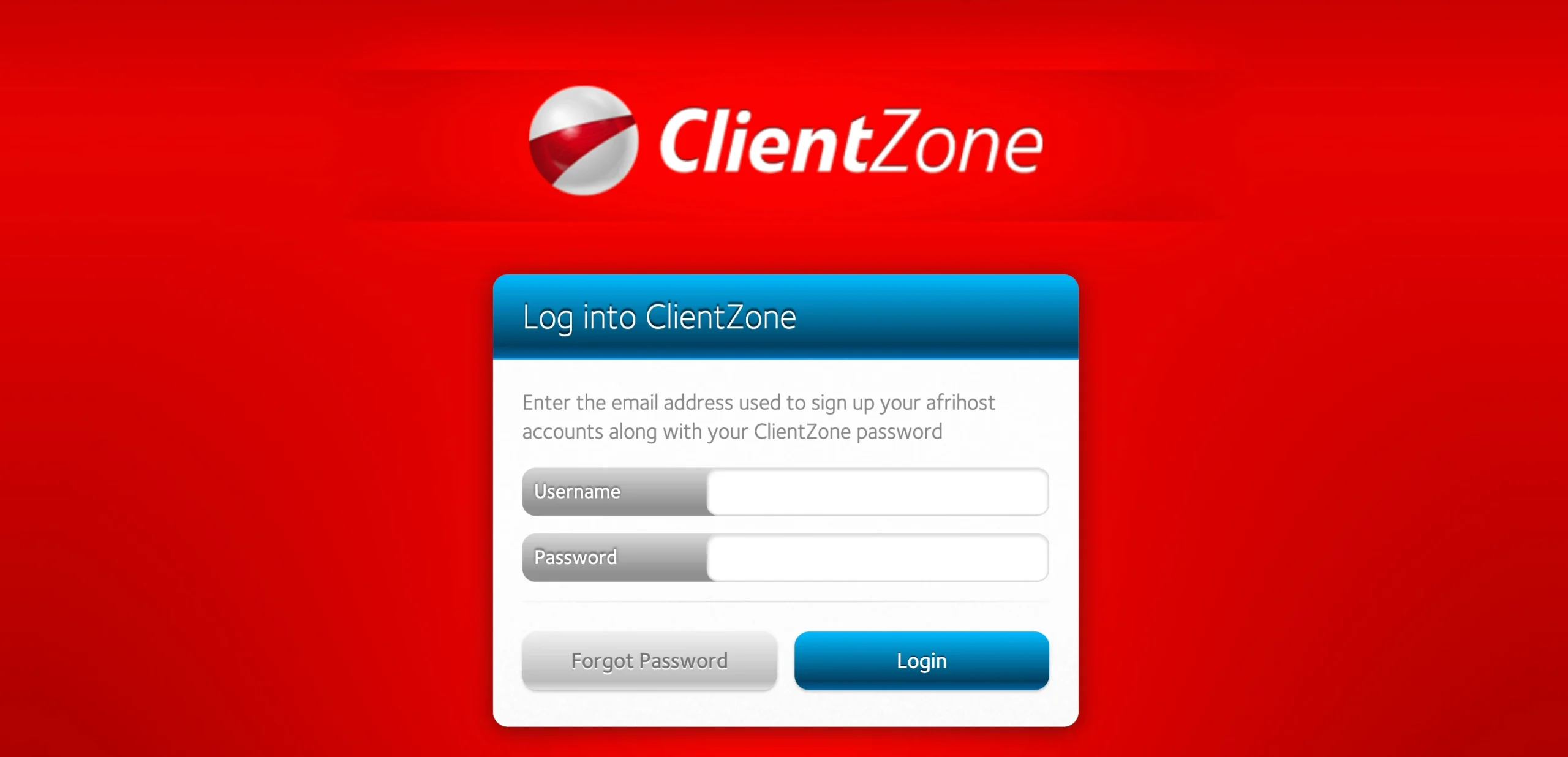
1) Log in and find your domain
Head to your Afrihost ClientZone, click the Hosting tab, and select the domain you’re moving.
2) Cancel the service and mark it for transfer
Click “Edit Package”, scroll to the Cancel Service section, and open the Domain Options dropdown. Choose “Transfer to new host,” type Truehost in as the new site host, set an effective date, and click “Cancel this Service.”
Before you confirm this step, back up your website files and mailbox content. This flags the domain as leaving Afrihost, so you want everything saved first.
3) Get your EPP/Authorization code
For .co.za and other local extensions, you don’t need this code at all. Skip straight to Step 2.
For .com, .net, .org, and other gTLDs, email [email protected] and ask them to unlock the domain and send you the EPP code. It’ll arrive by email.
Once you have it, copy it exactly as written, including every symbol and capital letter, and paste it into a text file right away so you don’t lose it.
Step 2: Start Your Transfer on Truehost

1) Go to the Truehost domain transfer page
Open your browser and head over to the Truehost transfer page. Log in, or create a Truehost account if you’re new here.
2) Enter your domain and EPP code
Type in the full domain name, click “Check,” then “Transfer Now.” You’ll be offered add-ons like ID protection if you want them, and a field to paste your EPP code. Leave this blank for .co.za domains. Click “Continue” to move on to Review and checkout.
Worth knowing: the transfer fee covers one extra year of registration on top of what you already have. So, you’re not losing any time you already paid for at Afrihost.
3) Review & checkout
Confirm the domain name, any add-ons, and the total price. Plus if you have a promo code, this is where you’d validate it.
Fill in your billing details, name, address, and password. If you’re placing this order for someone else, add their contact details as the registered contact for the domain instead of your own.
Pick a payment method, either Stripe with Mastercard, Visa, debit and credit cards, or you can pay through PayPal.
Then, enter your payment details, tick the “Terms of Service” box, and click “Checkout” to move to payment.
4) Complete checkout
Finish the payment. You can always go back a page if you want to switch payment methods first. Once it’s gone through, you’ll get a confirmation.
Step 3: Approve the Transfer and Wait
Watch your registrant email for a confirmation message after checkout, and click the approval link inside it. Do this within five days, or the transfer will fail. Check your spam folder if it doesn’t show up in your inbox.
From there, the transfer takes 5–7 days to complete.
Your Truehost dashboard will show the domain as “Pending Transfer” during this window.
Your site and email keep running normally the whole time, though you won’t be able to modify DNS records or renew the domain until the transfer wraps up – that’s expected, not a problem.
What to Do After the Transfer Completes
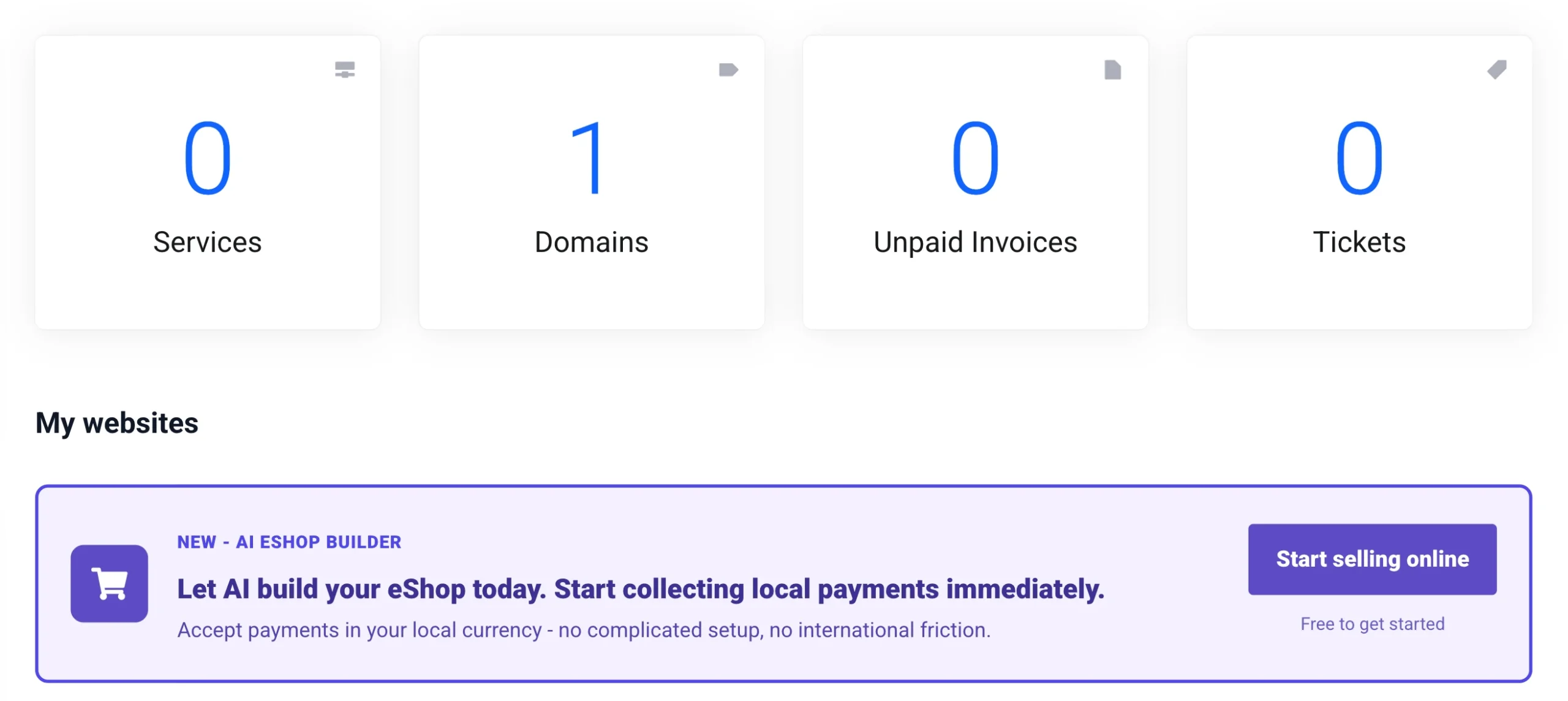
- Log in to Truehost and confirm the domain now shows under “My Domains.”
- Check and update your DNS nameservers – if you’re hosting with Truehost, switch to our nameservers from the dashboard.
- Re-enable domain lock in the Truehost client area.
- Set up or double-check email forwarding so your professional email addresses keep working without a gap.
- Turn on auto-renewal, and take note of your new expiry date – remember, you’ve gained a free extra year.
Common Problems When Transferring from Afrihost to Truehost
a. EPP code not working
Usually this comes down to a stray space before or after the code, or a code that’s simply expired. Request a fresh one from [email protected] and paste it in cleanly, with no extra spaces.
b. Transfer request not going through
Check two things: is your Afrihost account in good standing, with no outstanding payment or renewal? And did you actually complete the ClientZone cancellation step? The domain needs to be flagged for transfer there before Truehost can pull it.
c. No confirmation email from Truehost
Check your spam folder first. If it’s still not there, confirm the registrant email on your Afrihost account is current. If it’s an old address, update it in ClientZone, since that’s likely where the email went.
Transfer a Domain from Afrihost to Truehost: FAQs
What happens to my email when I transfer my domain?
Your email keeps working as long as your DNS settings stay intact and nameservers aren’t changed mid-transfer. It’s worth setting up your email accounts at Truehost ahead of time so everything is ready the moment the domain lands.
Can I transfer my domain and hosting to Truehost at the same time?
Yes. At checkout on the transfer page, you can add a web hosting plan alongside the domain transfer and handle both together.
How much does it cost to transfer my domain from Afrihost to Truehost?
.co.za transfers are free. .com transfers cost R150. Either way, that fee adds a full extra year of registration on top of your existing time.
Do I have to wait 60 days to transfer my domain?
Only if the domain is younger than 60 days old, or was transferred within the last 60 days. Outside of that, you’re free to move whenever you like.
Does the transfer affect my domain’s SEO value?
No. A domain transfer moves the registration, not the site or its history. Your existing SEO stays intact, and moving to local servers can actually help load times and rankings for South African visitors.
Why Transfer Your Domain to Truehost?
Moving your domain to Truehost comes with benefits that go beyond changing registrars.
Our local infrastructure helps South African visitors reach your website faster while giving your site a stronger foundation for local SEO.
Every successful transfer also includes a free one-year renewal added to your existing registration period, along with free DNS management and email forwarding.
You’ll manage everything from one place too. Domains, hosting, email, and DNS all sit inside a single dashboard, with our support team available 24/7 whenever you need assistance.
The pricing is just as straightforward. Transfers for .za domains are free, while .com domain transfers cost R150. Since every transfer includes an extra year added to your domain registration, you’re getting value without paying separately for a renewal.
So begin your transfer already and start enjoying all these benefits.