Web Hosting
 Windows HostingBuilt for Windows apps and websites – stability, speed and flexibility
 Reseller HostingLaunch a hosting business without technical skills or expensive infrastructure
 Affiliate ProgramRefer customers and earn commissions from sales across our platform
 Domain SearchFind and secure a domain name in seconds with our quick lookup tool
 CO ZA Domains
 All DomainsExplore domain names from over 324 TLDs globally – all in one place
 Free Whois Lookup Tool South Africa
 VPS
VPS Website Builder
 Online ShopSet up a sleek eCommerce store with zero coding knowledge
 SSLs
SSLs SupportAccess help articles, how-tos, and everything about our services
 Blog
Blog Contact UsReach our team instantly via live chat or drop us an email
Your Node.js application runs perfectly on your local machine. Then comes deployment, and suddenly you discover your hosting plan doesn’t support long-running processes or the Node.js version you need.
That’s because Node.js has different hosting requirements than traditional PHP websites.
Instead of processing one request at a time, it runs continuously in the background, so your hosting environment needs to support that workflow.
Plenty of hosting providers are built for Node.js applications. The challenge is choosing one that gives you the right balance of performance, flexibility, pricing, and ease of deployment.
So, what does Node.js actually need from a host?
This is the shortlist:
- A persistent server process.
- Node.js version control (LTS 22 or 24 as of 2026).
- Root access or a Node.js Selector in cPanel.
- NVMe storage for read/write-heavy workloads.
- A host with servers close to your users.
With that in mind, let’s compare eight hosting providers that support Node.js and see which one is the best fit for your project.
Table of Contents
The 8 Node.js Hosting Providers
1) Truehost
Both our shared and VPS hosting are built with Node.js provisioning, giving you full control over your Node.js applications straight away.
For our shared plans, you can set up your Node.js application in cPanel.
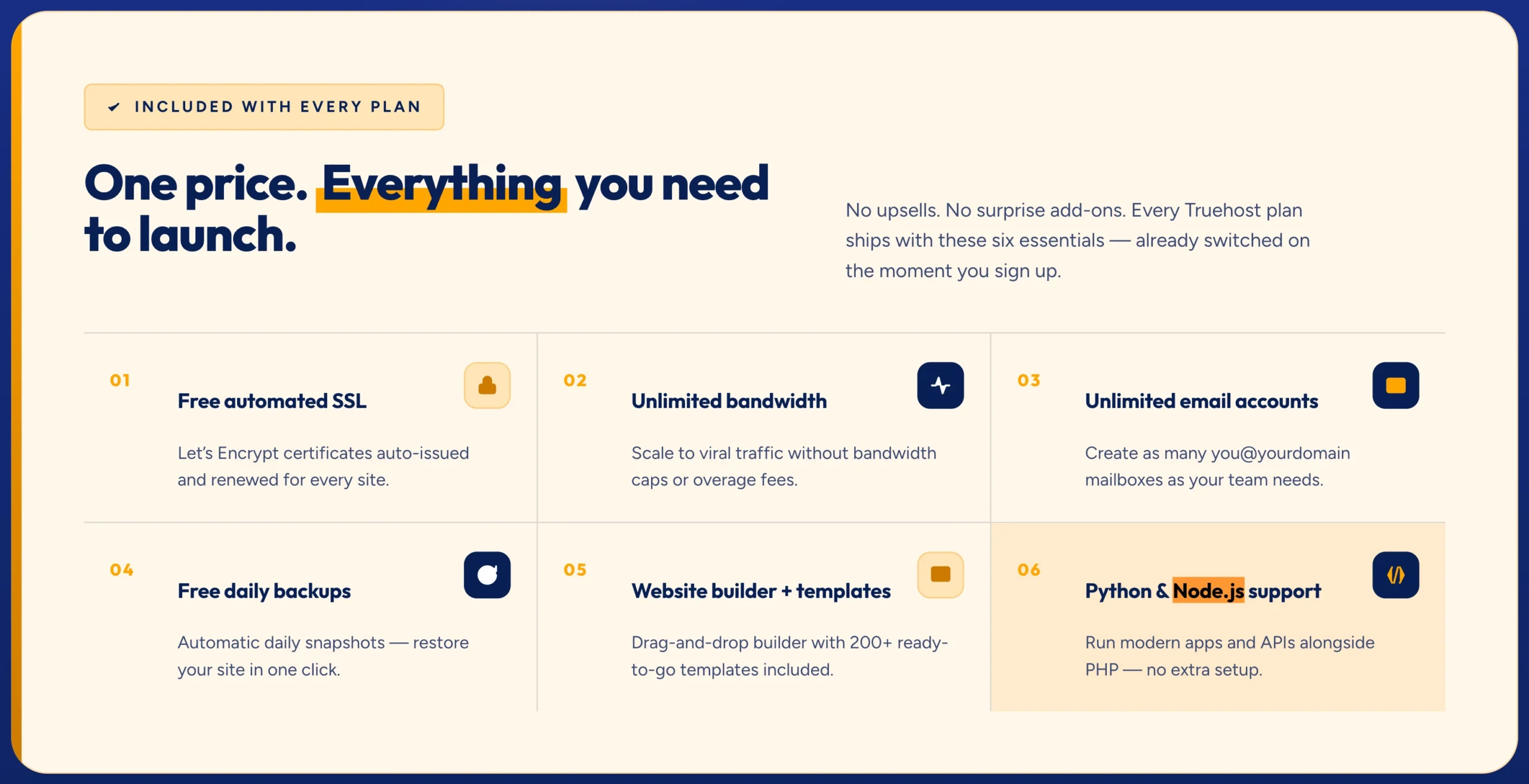
Our VPS plans include NVMe SSD storage, full root access, anti-DDoS protection, and Node.js installation support, making it easy to get your application online with full control of your environment.
Other than that, you get pricing in ZAR starting from R99/month, South African support, and infrastructure accessible locally for your development.
Here’s how Node.js runs on a Truehost VPS in practice:
- Choose a VPS plan.
- Connect to your server using SSH.
- Install Node.js via NVM (Node Version Manager) so you can switch Node versions cleanly without breaking your environment.
- Install PM2 globally:
npm install -g pm2. PM2 keeps your app running after you close the SSH session and restarts it automatically if it crashes. - Configure Nginx as a reverse proxy to forward traffic from port 80/443 to your Node app’s internal port.
- Point your domain and enable Let’s Encrypt SSL.
Once configured, your application runs on a standard Linux environment using widely adopted tools, making future maintenance and scaling much easier.
Our setup is best for South African developers and businesses who want full VPS control, local ZAR pricing, and regional performance without enterprise pricing.
2) DigitalOcean
DigitalOcean offers two distinct deployment paths for Node.js.
1. Droplets are Linux virtual machines (VMs) that give you full control over your infrastructure at a low cost.
Their marketplace includes a preconfigured 1-click droplet option that comes with preconfigured Node.js, NPM, NGINX, and PM2 on a fresh Ubuntu server.
Droplets start at $4/month.
2. App Platform is their fully managed Platform as a Service (PaaS). Push your code from GitHub, and the platform handles the deployment. App Platform Node.js hosting starts at $5/month.
The documentation is genuinely among the best in the industry. That community knowledge base is a real advantage for developers learning as they build.
The limitation for South African users: no African data centers. Your server will sit in New York, Amsterdam, Frankfurt, or Singapore, none of which are close to Johannesburg or Cape Town.
They’re best for developers who want excellent documentation and a reliable global VPS or who need a managed deployment option alongside traditional VPS control.
3) Vultr
Vultr’s Marketplace includes a Node.js one-click application that automatically installs Linux, OpenLiteSpeed, Node.js, NPM, and CertBot.
OpenLiteSpeed is important because it supports HTTP/3 natively and handles concurrent connections more efficiently than Apache, a meaningful advantage for Node.js apps already designed around concurrency.
You select a server size, then pay per use.
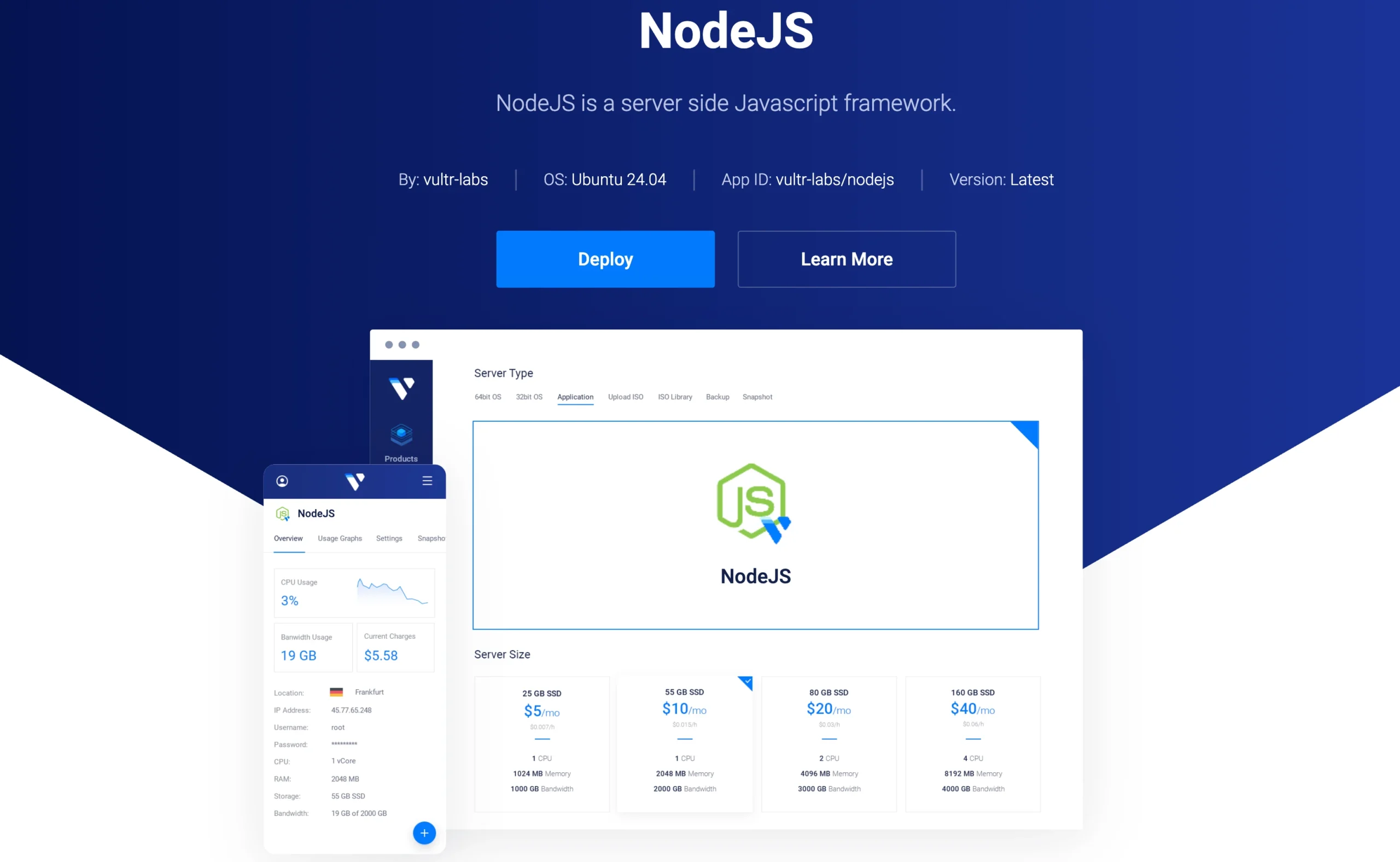
Cloud Compute plans start at $2.50/month, making Vultr the most affordable pure-VPS option on this list. Global data centers, flexible scalability, and a clean control panel round out the offering.
One thing though, no African data centers, the same limitation as DigitalOcean. But for developers building for an international audience or testing on a tight budget, Vultr is hard to beat on price and setup speed.
It works best for cost-sensitive developers who want solid 1-click setup and better-than-average web server performance without manual configuration.
4) AWS (Elastic Beanstalk)
AWS Elastic Beanstalk supports Node.js up to version 24 on Amazon Linux 2023.
You get multiple platform branches per Node.js version, environment variables, health checks, managed updates, and the full AWS ecosystem behind your deployment.
The detail that is most important is that AWS has a Cape Town region (af-south-1).
That makes it the only provider on this list besides Truehost with infrastructure on African soil. For production Node.js apps serving South African users at an enterprise scale, that geographic presence carries real weight.
However, AWS pricing is complex and can escalate quickly. Elastic Beanstalk has a steeper learning curve than anything else on this list. And “pay-as-you-go” can mean a surprise bill if you’re not watching your usage closely.
It’s built for teams already building inside the AWS ecosystem or enterprises running Node.js apps at scale for South African users who need a Cape Town region.
5) Google Cloud (App Engine)
Google Cloud’s App Engine has supported Node.js since 2016. The current runtime supports up to Node.js 24, with automatic patch and minor version updates handled by the platform.
The standard environment deploys fast, such that a basic Express.js app is live in under a minute.
Auto-scaling means the platform spins up instances when traffic spikes and scales back down (to zero, if needed) when traffic drops. For apps with unpredictable traffic patterns, that’s a real cost advantage over paying for a VPS that idles most of the day.
Like AWS, Google Cloud runs pay-as-you-go. Unlike AWS, there’s no sub-Saharan African region yet, though Google has edge infrastructure presence in Johannesburg.
It’s best for Node.js apps that need to scale automatically without manual server management, particularly APIs with variable or unpredictable traffic.
6) Heroku
Heroku’s approach is the simplest on this list: push your code with git push heroku main and it’s deployed.
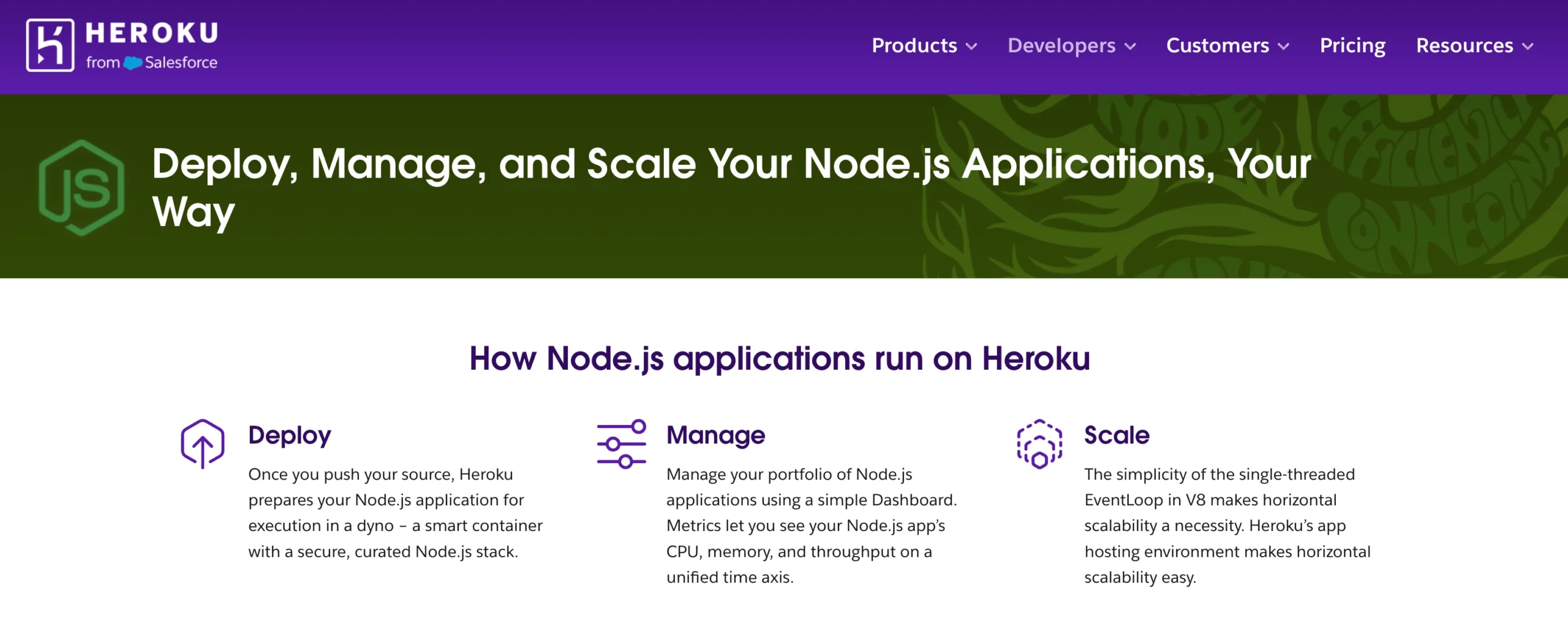
The platform handles process management, SSL, and environment variables without any configuration files on your end.
Heroku follows the official Node.js LTS support policy and defaults to Node.js 24.x in 2026 if you don’t specify a version in your package.json. Support for Express, Next.js, NestJS, and other Node.js frameworks is built in.
Heroku removed its free tier in 2022. The $5/month Eco dyno sleeps after 30 minutes of inactivity, which makes it useless for a production API.
Real production use starts at $25 – $50/month, significantly more than a Truehost or Vultr VPS that gives you more raw control for less.
It works well for developers who want the simplest possible deployment experience and are in the prototyping stage, where developer time is worth more than hosting cost.
7) Hosting.com
Hosting.com offers a fully managed environment for Node.js applications, making it a good option if you’d rather focus on building your application than maintaining server infrastructure.
You can deploy projects using Git, SSH, or file uploads, while the platform handles the underlying hosting environment.
It also supports popular JavaScript frameworks, making it suitable for everything from APIs to full-stack web applications.
What it offers:
- Fast deployment with Git, SSH, or file upload
- Fully managed Node.js hosting
- Multiple Node.js versions
- NVMe storage for improved performance
- Support for React, Next.js, Vite, Vue.js, and other frameworks
- MySQL and PostgreSQL databases
- Plans starting from $1.99/month
Hosting.com gives you a managed experience without requiring you to configure and maintain a VPS. If your application eventually needs more resources, you can upgrade to one of its managed VPS plans.
It’s great for developers who want managed Node.js hosting with flexible deployment options and minimal server administration.
8) Upsun (Formerly Platform.sh)
Upsun is a managed application platform designed for teams building and deploying modern Node.js applications.
Instead of configuring servers or maintaining deployment pipelines, you define your application’s runtime, build commands, and services in a single YAML configuration file, then deploy by pushing your code to Git.
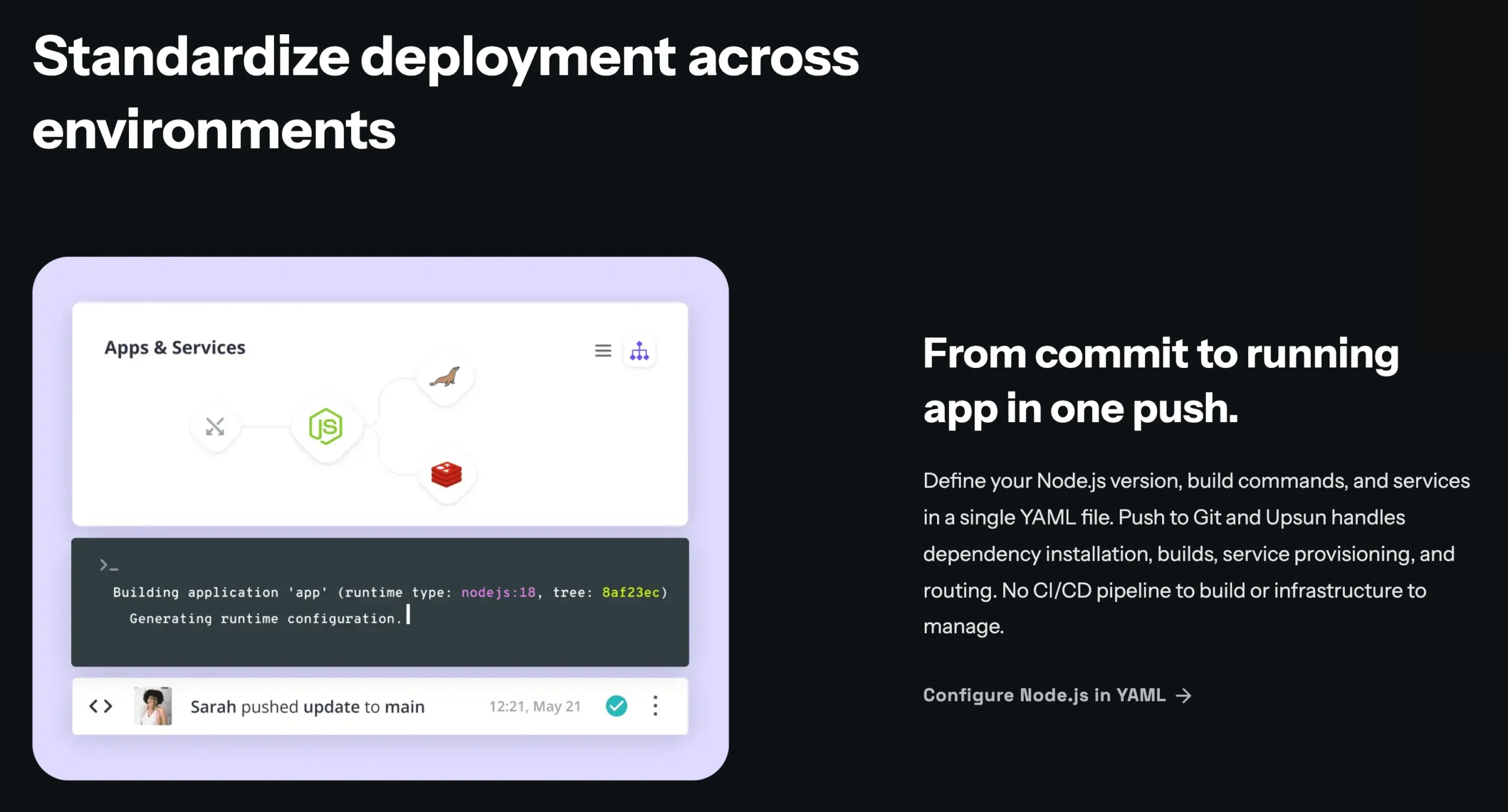
Every Git branch automatically gets its own isolated preview environment that mirrors production, making it easier to test new features, review changes, and catch issues before deployment.
Upsun also supports managed databases, caches, and other services, all connected through the same platform.
It includes the following:
- Git-based deployments
- Infrastructure defined in YAML configuration files
- Production-like preview environments for every branch
- Multi-cloud deployment across AWS, Google Cloud, and Azure
- Managed services such as databases and caches
- Plans with usage-based pricing
While Upsun automates much of the infrastructure management, it’s designed for development teams that follow modern DevOps practices. Smaller projects may find a traditional VPS simpler and more cost-effective.
How to Choose the Right One for Your Project
The answer depends on two things: where your users are and how much server management you want to handle.
If your users are in South Africa, regional hosting is a real performance decision. A server in Frankfurt adds 150–200ms of round-trip latency for a Cape Town user. For a real-time Node.js app, that’s a meaningful hit.
| Your Situation | Best Pick |
|---|---|
| Based in South Africa, want affordable VPS | Truehost |
| Want the best docs + developer community | DigitalOcean |
| Tightest budget, need 1-click setup | Vultr |
| Already on AWS, need Node.js at scale | AWS Elastic Beanstalk |
| Need auto-scaling with zero server config | Google Cloud |
| Want simplest deployment, prototyping stage | Heroku |
| On shared hosting, not ready for VPS | A2 Hosting |
| Agency managing multiple client Node.js projects | Upsun |
Getting Started With Node.js on Truehost VPS
If you’re building for a South African audience, the path forward is clear:
- Pick a VPS plan at Truehost. If you’re launching a personal project or a small API, an entry-level plan is usually enough. As your application grows, you can easily upgrade to more CPU, RAM, and storage.
- SSH in and install Node.js via NVM. Use the credentials provided by Truehost. From there, you have full administrative access to configure your development environment.
- Set up PM2 for process management and configure Nginx as your reverse proxy so your application can securely serve traffic over your domain.
- Update your domain’s DNS records to point to your VPS, then enable SSL so visitors can access your application securely over HTTPS.
Our VPS plans give you everything Node.js needs so you can easily deploy your app at an affordable price.
Choosing the right Node.js hosting ultimately comes down to your project’s requirements, budget, and how much control you want over your server. For developers and businesses in South Africa, Truehost provides a solid starting point.
Get your Truehost VPS today and deploy your first Node.js application with confidence.