Web Hosting
 Windows HostingBuilt for Windows apps and websites – stability, speed and flexibility
 Reseller HostingLaunch a hosting business without technical skills or expensive infrastructure
 Affiliate ProgramRefer customers and earn commissions from sales across our platform
 Domain SearchFind and secure a domain name in seconds with our quick lookup tool
 CO ZA Domains
 All DomainsExplore domain names from over 324 TLDs globally – all in one place
 Free Whois Lookup Tool South Africa
 VPS
VPS Website Builder
 Online ShopSet up a sleek eCommerce store with zero coding knowledge
 SSLs
SSLs SupportAccess help articles, how-tos, and everything about our services
 Blog
Blog Contact UsReach our team instantly via live chat or drop us an email
Most buyers compare VPS plans the same way. They scan the vCPU count, RAM, and price.
Then they pick the biggest numbers they can afford. That habit feels sensible. Still, it hides the details that decide how a server behaves.
Two plans with identical spec sheets can perform very differently. One may share its CPU cores with dozens of other servers. The other may guarantee them.
One may run on NVMe storage, while the other sits on a crowded SATA array. Meanwhile, the price tags look the same until your first renewal bill arrives.
This guide covers the VPS hosting features to look for. Each section shows what to check, where to find it, and what a good answer looks like. It assumes you already know what a VPS is.
If you are still weighing VPS against shared hosting, read a comparison first. Then come back here.
Table of Contents
1. Check CPU and RAM Allocation First
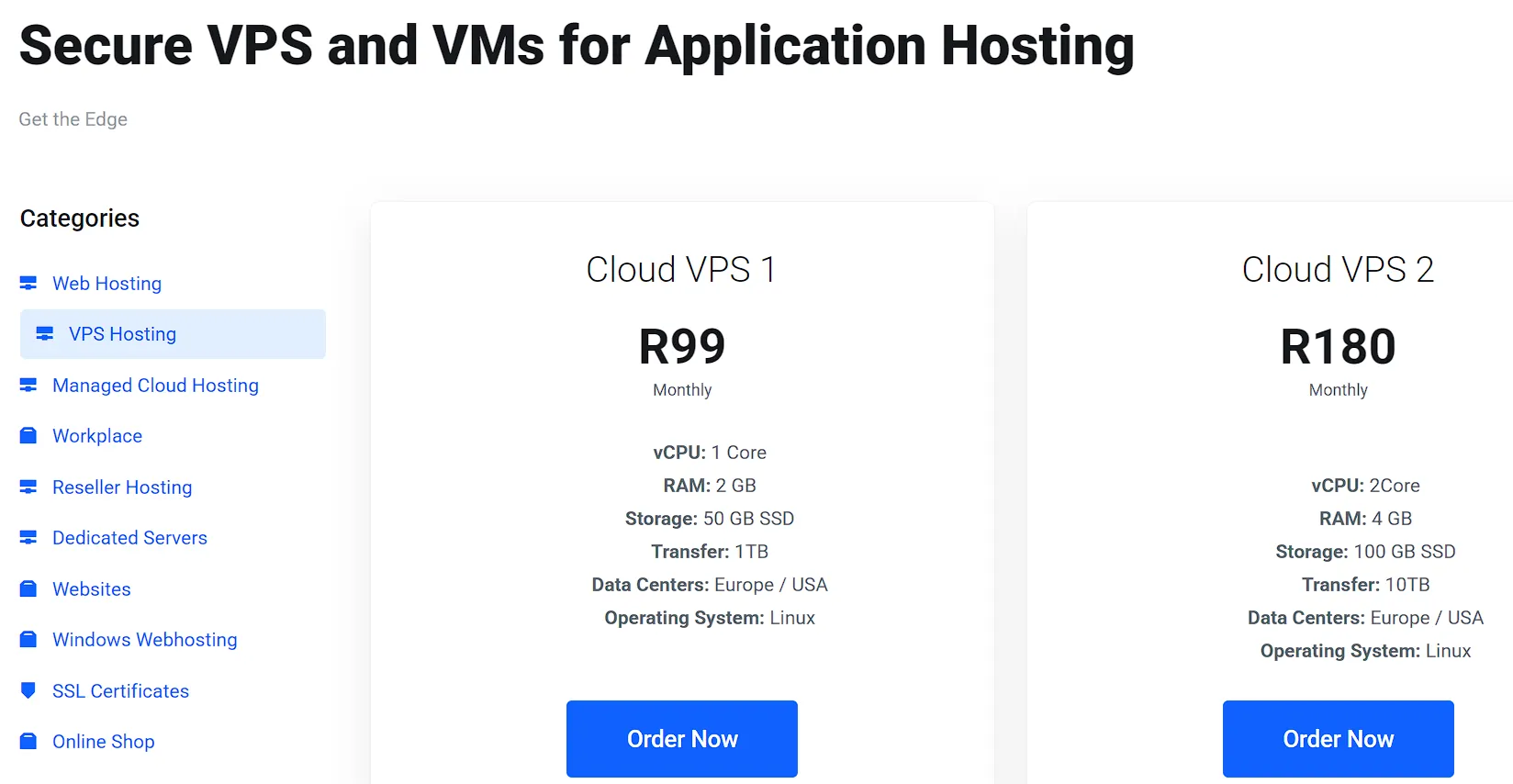
Start with the two numbers every plan advertises. Then look at what sits behind them.
Starting points by workload
The right size depends on what you run. Treat these ranges as starting points, not rules.
- Small brochure site or blog: 1 CPU core and 1 to 2 GB of RAM.
- WordPress or WooCommerce site with steady traffic: 2 cores and 2 to 4 GB of RAM.
- Web app or database server: 4 GB of RAM or more, with cores sized to your peak load.
If you are unsure, pick a plan that lets you resize later. That safety net beats guessing right on day one.
Dedicated versus shared vCPU
A vCPU is a slice of a physical processor. Some providers guarantee that slice. Others let many servers compete for the same cores. This practice is called overselling.
An oversold node works fine at 3 a.m. However, it slows down when neighbors get busy. You can spot the problem on a trial server by checking “steal time.”
Run top and read the st value. A figure that stays above a few percent suggests the host is squeezing its hardware.
Next, ask the provider one direct question: are the cores dedicated or burstable? A clear answer is a good sign. A vague one is a warning.
RAM and swap
Check whether the advertised RAM is guaranteed. For example, some plans count swap space as part of the total.
Swap lives on disk, so it is far slower than real memory. Also, look for hidden memory caps on individual processes.
What good looks like: guaranteed RAM, clearly stated cores, and a straight answer about CPU sharing.
2. Compare Storage Type and Disk Performance
Storage speed shapes page loads and database queries more than most buyers expect.
Is NVMe better than SSD for a VPS?
Usually, yes. NVMe drives connect over a quicker interface than SATA SSDs. They handle many simultaneous requests with lower delay.
That helps databases, busy WordPress sites, and anything that reads and writes constantly. In practice, NVMe VPS hosting gives you smoother performance under load.
Spinning HDDs are a poor fit for a production site. Skip them unless the plan is for archives.
Capacity is not performance.
A 200 GB disk with tight IOPS limits can feel slower than a 50 GB disk with generous ones. So look for stated IOPS or throughput caps.
Also check inode limits, which cap the number of files you can store. Many hosts hide these in the terms of service rather than on the plan page.
Redundancy
Ask whether the storage uses RAID or a replicated cluster. A single failed drive should not take your data with it.
However, redundancy is not a backup. A deleted file disappears from every copy at once.
What good looks like: NVMe storage, clear IOPS limits, and redundant drives.
3. Know Your Virtualization Technology: KVM vs OpenVZ
Virtualization is the layer that partitions a single physical machine into multiple virtual machines. The method changes what you can do with your server.
KVM gives each VPS its own kernel. It behaves like a standalone machine. You can run custom kernel modules, Docker, VPNs, and different operating systems. Resources are usually better isolated, too.
OpenVZ uses containers that share the host’s kernel. This lets providers pack in more servers, and that lowers prices.
However, you cannot change the kernel. Some software will not run at all. Memory limits can also behave in odd ways.
For most buyers, KVM is the safer default. Container-based plans can work for simple, lightweight sites. Even so, confirm the technology before paying.
Check the plan page, the FAQ, or a pre-sales chat. If the provider will not say, treat that silence as an answer.
4. Evaluate Network Speed, Bandwidth, and Data Center Location
Your server can be perfectly tuned and still feel sluggish if the network is weak.
Port speed versus transfer caps
Port speed is the maximum rate your server can send data. Transfer is the total monthly allowance. They are different numbers.
A 1 Gbps port with a low monthly cap can still run dry by mid-month. Likewise, a 300 Mbps port with generous transfer may suit a steady site better.
Be careful with “unmetered” or “unlimited” labels. Read the fair-use policy. Some hosts throttle your port after you pass an unstated threshold.
DDoS protection also lives at the network level. Ask what gets filtered, and whether it costs extra.
Does VPS data center location matter?
Yes. Distance adds latency. For instance, a server in Frankfurt will serve German visitors more quickly than one in Dallas.
Pick a location close to most of your audience. Local data residency rules may also apply if you store customer data.
If your visitors are spread across regions, pair the VPS with a CDN. The CDN caches static files near each visitor. Meanwhile, the VPS handles dynamic work.
5. Read the Uptime Guarantee and Reliability Fine Print
A 99.9% uptime promise sounds strong. Yet it permits about 8.76 hours of downtime each year. A 99.99% promise allows around 52 minutes. That gap is large for a store or a booking site.
What an SLA really pays
Read what happens when the host fails to keep its promise. Most pay service credits rather than cash. Credits are often a small slice of one month’s bill. Also, check what the guarantee excludes.
Scheduled maintenance, DDoS events, and your own misconfiguration are common exclusions.
Scope counts too. Some SLAs cover only the network. Others cover the full server. That difference changes how useful the promise is.
Infrastructure signals
Look for Tier III or higher data centers. Redundant electrical supply and network paths reduce single points of failure.
A public status page with an honest incident history is another good sign. It shows how a provider handles problems.
What good looks like: a 99.9% SLA at minimum, clear exclusions, and a public status page.
6. Look for Built-In Security and Backups
A VPS is isolated from other customers. That makes it safer than shared hosting. Still, it is not secure by default. You or your host must lock it down.
Baseline protections
Look for these on the plan page:
- A firewall you can manage from the control panel.
- DDoS protection at the network edge.
- Free SSL certificates.
- Isolation from other tenants.
Backups versus snapshots
Backups are copies of your data stored away from the server. Snapshots capture the state of the entire machine at a single moment. Both are useful. However, they solve different problems.
Ask how often backups run, where they are stored, and how long they are kept. Also, check whether restores are self-service.
A backup you cannot restore quickly is a weak safety net. Some providers charge extra for backup space. Others include it.
Who handles patching and monitoring?
Malware scanning, intrusion detection, and security patches depend on your management level. On unmanaged plans, those jobs are yours. Managed plans usually cover them. Confirm which applies before you buy.
7. Decide How Much Management and Support You Need
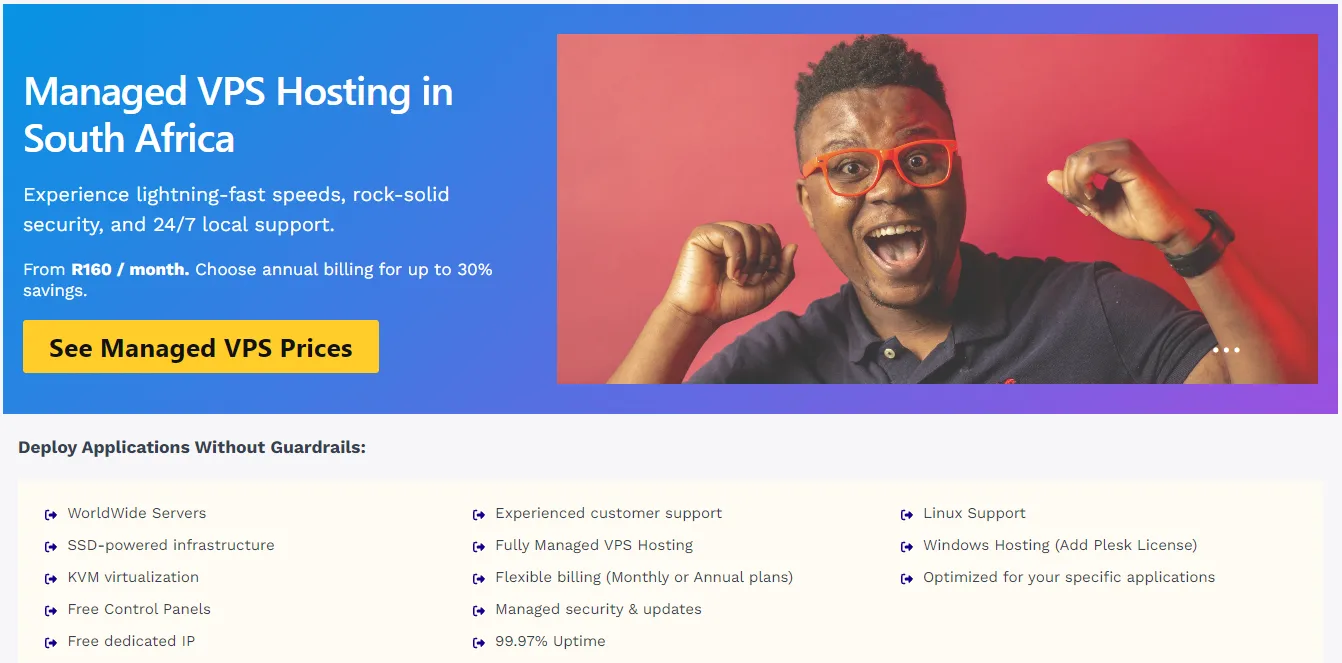
This is the managed vs unmanaged VPS decision, and it shapes your daily workload.
Managed vs unmanaged VPS
On a managed plan, the host handles setup, updates, monitoring, and often security. On an unmanaged plan, you do all of that yourself. Semi-managed plans split the work.
Use a simple rule. If you are comfortable with SSH and Linux administration, unmanaged options save money and give you full control.
If you are not, or if you have no IT team, managed is the safer choice. Either way, ask exactly what “managed” includes. Some hosts mean only the hardware.
Control panel and root access
cPanel and Plesk are familiar, but their licenses add to the monthly bill. Proprietary panels are free and simpler. However, they may lack some features.
Root access lets you install any software and change system settings. Developers usually need it. Confirm the plan includes it, since some managed tiers restrict it.
Operating system options
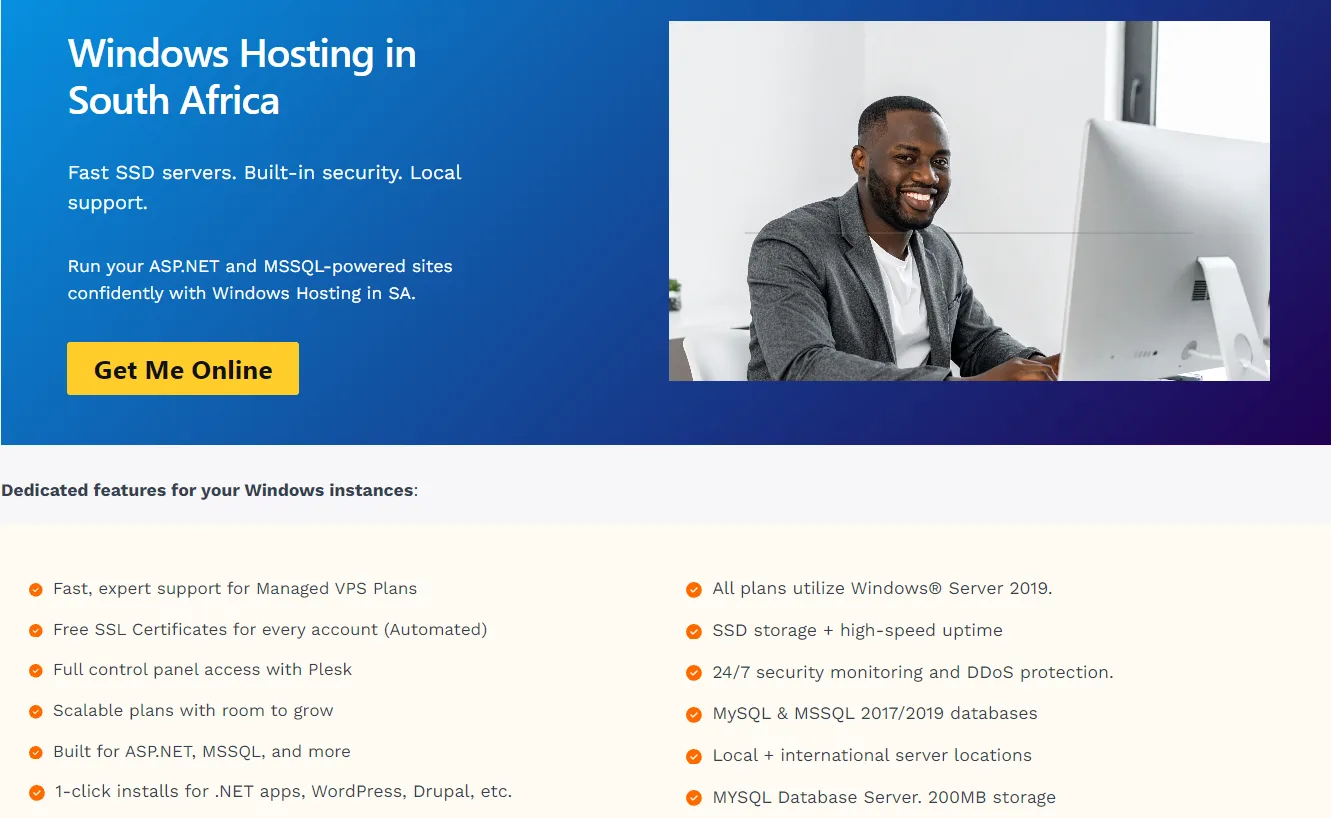
Most providers offer Linux distributions such as Ubuntu, Debian, and AlmaLinux. Windows is available too, usually with a license fee. Choose the system your software needs.
A .NET app or Microsoft SQL Server calls for Windows. A WordPress site runs well on Linux with a LAMP or LEMP stack. Also, check that the provider offers current OS versions and one-click templates.
Support quality
Look at channels, hours, and response times. A 24/7 live chat helps when a server goes down at night. Then test it. Send a pre-sales question about CPU allocation or virtualization.
The speed and honesty of the reply tell you what support will feel like later. Finally, read recent reviews on independent sites such as Trustpilot or G2.
8. Confirm You Can Scale Without Migrating
Your first plan will not fit forever. Traffic grows, and so do databases.
Check the upgrade path before you buy. Can you add RAM, cores, and disk space from the dashboard? Does the change need a reboot? Does it need a new server, a fresh IP, and a DNS change? The best plans resize in place with brief or zero downtime.
Next, ask about downgrades. Some hosts allow upgrades only. If your workload spikes seasonally, hourly or monthly billing can save money. Pay-as-you-go suits uneven demand. Fixed monthly plans suit steady sites.
Watch for plans that force a move to a new server tier. That move can mean downtime and extra setup.
9. Compare Real Pricing, Not Sticker Pricing
The advertised price is often an introductory rate. The renewal price can be much higher. So check both before you commit. Also, check how the contract length changes for each one.
Add-on fees
Look for charges the plan page does not mention:
- Setup fees.
- Dedicated IP addresses.
- Backup storage.
- Control panel licenses.
- Data recovery.
- Migration help.
Ask for a full cost breakdown in writing. Then add these items to the monthly figure to get the real price.
What each price tier should include
Budget tiers usually give you the basics on tightly packed hardware. Mid-range tiers often add NVMe, managed options, backups, and better support.
Premium tiers offer stronger SLAs, dedicated resources, and compliance support. Price ranges differ by market, so compare live plans from each provider.
Refund window
A money-back period is the cheapest test you can run. Thirty days is a common minimum.
Use it. Deploy your live site, monitor performance, and submit a support ticket before the window closes.
FAQs
Is a cloud VPS different from a traditional VPS?
Yes. A traditional VPS runs on one physical host. If that host fails, your server goes down with it. A cloud VPS runs on a pool of hosts so that it can be moved to another machine after a failure. Cloud plans also tend to bill by the hour. Both can work well. Cloud suits changing workloads, while traditional plans suit steady ones.
How many websites can one VPS host?
There is no fixed number. It depends on traffic, site weight, and your resources. A 2 GB server can host several small, low-traffic sites. However, a single busy store can fill the same server alone. Track CPU, memory, and disk use for a week. Then add sites until usage nears 70 to 80 percent of capacity.
Do I need a dedicated IP address on a VPS?
Most VPS plans include at least one dedicated IP. If yours does, you are covered. Extra IPs help with separate SSL setups, email sending with a clean reputation, and apps that need their own address. A single-site server with no email rarely needs more than one.
Can I move my existing site to a new VPS without downtime?
Yes, with preparation. Lower your DNS TTL a day before the move. Next, copy your files and database to the new server. Test the site using a hosts file entry. Then switch DNS and keep the old server live until propagation finishes. Some providers offer free migrations, which saves effort. Ask before you buy.
Pick the Plan, Then Test It
Ten features sound like a lot. In practice, three decide most outcomes: CPU allocation, storage type, and renewal price. Get those right, and most other problems become easy to fix. Get them wrong, and no support team can rescue the experience.
Still, you do not have to trust a spec sheet. Use the refund window as your proof. Deploy your real site, run the 30-minute test, and ask support a hard question. A good VPS holds up under all three.
Ready to compare plans against your scorecard? [Insert CTA link: VPS plans page for the target market]. If you would rather skip server administration, start with a managed VPS and let the host handle the upkeep.