Web Hosting
 Windows HostingBuilt for Windows apps and websites – stability, speed and flexibility
 Reseller HostingLaunch a hosting business without technical skills or expensive infrastructure
 Affiliate ProgramRefer customers and earn commissions from sales across our platform
 Domain SearchFind and secure a domain name in seconds with our quick lookup tool
 CO ZA Domains
 All DomainsExplore domain names from over 324 TLDs globally – all in one place
 Free Whois Lookup Tool South Africa
 VPS
VPS Website Builder
 Online ShopSet up a sleek eCommerce store with zero coding knowledge
 SSLs
SSLs SupportAccess help articles, how-tos, and everything about our services
 Blog
Blog Contact UsReach our team instantly via live chat or drop us an email
Web hosting vs WordPress hosting sounds like a big decision.
It’s smaller than it looks.
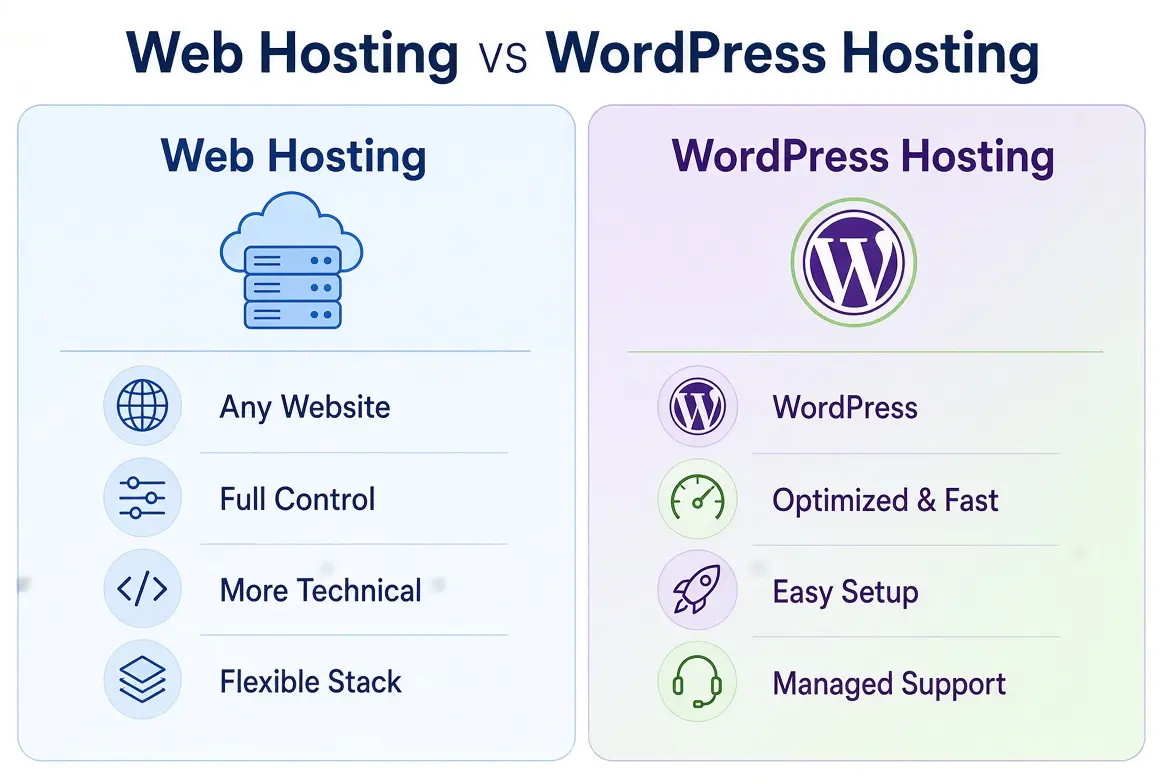
Web hosting gives you the server space and resources that make your website reachable online.
WordPress hosting is a hosting option built for websites that run on WordPress.
Here’s the part many guides skip. WordPress can run on general web hosting too.
Plenty of regular shared hosting plans install WordPress in a couple of clicks.
So the real differences aren’t about whether a plan can host WordPress.
They’re about platform flexibility, setup, included tools and support.
This guide compares the two across ten features, starting with price. By the end, you’ll know what to compare before you pay.
Table of Contents
Web Hosting vs WordPress Hosting: Quick Comparison
Start with the short version. This table shows where the two options usually differ.
| Feature | General Web Hosting | WordPress Hosting |
| Supported platforms | Can support WordPress and other compatible platforms | Focuses on WordPress websites |
| Setup | May require you to install WordPress or another CMS | Often includes a WordPress installer and WordPress-focused setup |
| Performance | Depends on the plan and server configuration | May include WordPress-specific performance tools |
| Management | General website and hosting management | May include WordPress-specific management features |
| Best suited for | Different website types or multiple projects | People planning to build and run WordPress sites |
Notice the word may showing up a lot. That’s deliberate.
Providers package these plans differently, so the label alone doesn’t tell you what you’re getting. The details below show what to check.
Web Hosting vs WordPress Hosting: 10 Feature Comparisons
1) Pricing and Included Features
Price is where most people start, so let’s start there too.
Compare the full plan cost, not just the headline number. Look at the billing period, the renewal price and the tools that come with the plan.
A WordPress-branded plan isn’t automatically more expensive than general hosting. It isn’t automatically cheaper either.
Some WordPress plans cost more because they bundle extras. Some general plans cost less but leave you to add those extras yourself.
Watch the billing term. A low monthly price often depends on paying for one or three years upfront.
Then check what’s actually included. SSL, backups, email accounts, migration help and a one-click installer can all change the real value of a plan.
The best habit is simple. Put two actual packages side by side and compare them line by line. Don’t assume a price gap based on the name.
2) Platform Compatibility
General web hosting is flexible.
Depending on the server environment, it can support WordPress, Joomla, Drupal and custom PHP websites.
That suits people running different kinds of sites, or several projects under one account.
WordPress hosting is designed around WordPress. The setup, tools and support all lean that way.
Some providers also let you run other compatible applications on those plans, but that’s not the main point of them.
So ask yourself one question. Will you only ever build WordPress sites?
If yes, a WordPress-focused plan can be tidy and convenient. If you might try another platform, or host a custom app next year, general hosting gives you more room to move.
3) WordPress Installation
Installation is where the two options can look different at first. With some general hosting, you install WordPress by hand.
That means creating a database, uploading files and connecting everything. It’s doable, but it takes a bit of patience.
WordPress hosting often makes this easier. It may include a one-click installer, plus setup help from the provider.
But don’t write off general hosting. Many general plans also offer one-click WordPress installation through their control panel.
So the gap here is smaller than it sounds. Before buying either type, check for an installer and see whether the provider offers any setup assistance.
4) Performance and Caching
Website speed depends on several things. Server resources, PHP configuration, caching and how well your site is optimized all play a part.
WordPress-focused plans may include extra tools to help. Examples are LiteSpeed or caching integrations built for WordPress. Those can make a real difference.
But the hosting label alone doesn’t guarantee better performance.
A general plan with good caching and enough resources can beat a WordPress plan with tight limits. And a heavy theme or too many plugins will slow down either one.
So look past the name. Ask what caching tools are included, what resources you get and how the server is set up.
5) Security Features
Security features vary a lot between plans. Compare SSL certificates, backups, account isolation and malware scanning.
Some WordPress plans add WordPress-specific security tools too, where the provider offers them.
The actual features included in the plan are more important than its name.
A general hosting plan with free SSL, daily backups and malware scanning can be safer than a WordPress plan with fewer protections.
Remember that hosting security is only part of the picture.
You still need strong passwords, sensible user roles and updated plugins. A good host helps, but it can’t do everything for you.
6) Updates and Maintenance
WordPress core, themes and plugins all need maintenance. Updates bring security fixes and bug fixes, and someone has to apply them.
Some WordPress hosting services offer automatic updates or managed maintenance. Standard shared hosting may leave more of these jobs to you, the website owner.
Here’s a caution. Don’t assume every WordPress hosting plan manages all updates. Some handle core updates only.
Others cover plugins too. Many leave themes to you.
Read the plan details, and ask the provider directly if the wording is vague. That one question can save you from a nasty surprise later.
7) Control Panel and Website Management
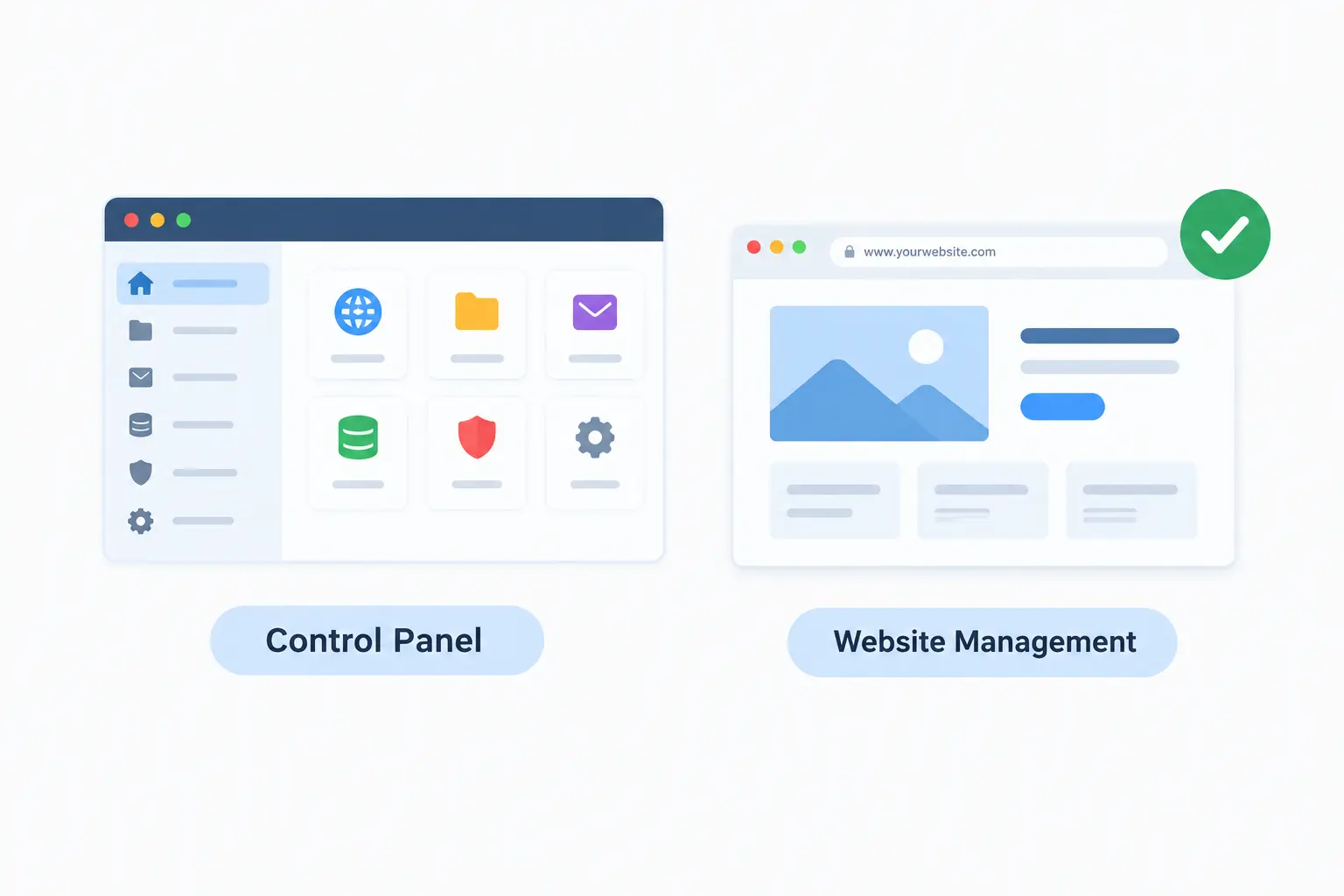
You’ll manage your site through some kind of control panel. It handles files, databases, domains, email and applications.
Both hosting types can use cPanel or another control panel.
cPanel isn’t exclusive to WordPress hosting. So if you see cPanel listed on a general plan, that’s normal and useful.
WordPress hosting may add WordPress-specific management features on top. That might be a dashboard for installs, staging or updates.
Whether you need those depends on how hands-on you want to be. If you’re comfortable with a standard control panel, general hosting will do the job nicely.
8) Backups and Restoration
Backups save you when something goes wrong. A bad update, a hacked plugin or a deleted file can all be fixed fast if you have a recent copy.
Compare the details. How often do backups run? How long are they kept?
Can you restore them yourself? Are they automatic, or do you need to set them up manually?
These policies differ from plan to plan, and from provider to provider.
So check the included backup policy before you buy either hosting type. It’s easy to skip, and painful to regret.
9) Scalability and Resource Limits
Both options can have limits on CPU, memory, storage and traffic. Those limits decide how far a plan can stretch.
A WordPress site often needs more resources over time. More plugins, heavier database activity and growing visitor numbers all add load.
So upgrading depends on your actual resource use. It doesn’t depend on whether the plan is marketed as WordPress hosting.
Watch your usage, check for slowdowns, and move up when the numbers say you should.
Also check what the upgrade path looks like. A host that lets you step up to a bigger plan without a messy migration makes life easier.
10) Support and Troubleshooting
Support differs in scope. General hosting support usually covers domains, email, databases and server issues.
WordPress-specific assistance may go further. It might cover installation help or common WordPress problems.
The scope varies by provider and plan. One host may offer WordPress help on every plan. Another may only help with server problems and leave WordPress itself to you.
Before buying, ask what’s covered.
Find out how you can reach support too, whether by chat, ticket or phone, and what hours it runs. When your site breaks at a bad moment, that detail counts.
Which Should You Choose?
There’s no single right answer. It comes down to what you’re building.
Choose general web hosting if you want flexibility.
It suits people running different site types, several projects or a mix of platforms. It also tends to work well if you’re comfortable with a standard control panel.
Choose WordPress hosting if you’re sure you’ll build and run WordPress sites.
The focused setup, tools and support can save you time, especially if you want help with WordPress-specific tasks.
If you’re stuck between the two, compare actual plans. Look at price, storage, resource limits, backups, security and support. The features decide the winner, not the name on the plan.
Web Hosting vs WordPress Hosting at Truehost
Truehost gives a handy real-world example. Its official hosting page lists shared plans that support WordPress and other content management systems.
They come with cPanel, a one-click installer, free SSL and backups.
That shows how general web hosting can also host WordPress. You don’t need a separate WordPress-labeled plan to run a WordPress site.
Here’s a short comparison of the shared plans, based on what Truehost lists.
| Plan | Price | Billing | Storage | Websites |
| Starter | From R 33.33/mo | Three-year term; monthly and annual options also available | 30 GB SSD | Up to 10 |
| Pro | R 60.00/mo | Three-year term; monthly and annual options also available | 50 GB SSD | Up to 30 |
| Unlimited | R 265.00/mo | Three-year term; monthly and annual options also available | Unmetered SSD | Unlimited |
According to Truehost, the Starter plan includes unlimited bandwidth, unlimited email accounts, free daily backups, free automated SSL and a one-click installer for WordPress, Joomla and Drupal.
Annual plans also come with a free .co.za domain. Truehost’s servers are in South Africa, and it bills in rand.
Prices and limits can change, and the monthly figures depend on the billing term you pick. So check the current plan page, and confirm whether VAT is included, before you pay.
One last point. A WordPress hosting label alone doesn’t mean different infrastructure or guaranteed speed.
Judge each plan on its storage, resource limits, security, backups and support. Then pick the one that fits your website.
Ready to compare? Explore Truehost’s hosting plans to find an option that fits your website.