Web Hosting
 Windows HostingBuilt for Windows apps and websites – stability, speed and flexibility
 Reseller HostingLaunch a hosting business without technical skills or expensive infrastructure
 Affiliate ProgramRefer customers and earn commissions from sales across our platform
 Domain SearchFind and secure a domain name in seconds with our quick lookup tool
 CO ZA Domains
 All DomainsExplore domain names from over 324 TLDs globally – all in one place
 Free Whois Lookup Tool South Africa
 VPS
VPS Website Builder
 Online ShopSet up a sleek eCommerce store with zero coding knowledge
 SSLs
SSLs SupportAccess help articles, how-tos, and everything about our services
 Blog
Blog Contact UsReach our team instantly via live chat or drop us an email
Moving your website to a new host also involves moving your domain name. If you want to transfer a domain from Web4Africa to Truehost, the good news is that you can do it in a few minutes and get your website working on the new host within a week. Web4Africa was acquired by HostAfrica in 2024, so if your domain still sits with Web4Africa, you’re really transferring away from HostAfrica’s systems now. But you can only do it when you know how to do it. If you don’t, we’ve got you.
This guide walks you through how to transfer a domain from Web4Africa to Truehost. It could be a good choice if you want better prices, better support, or just a cleaner dashboard. Here’s what the transfer will cost you:
| .co.za | Free |
| .com | R150 |
| .org | R180 |
Either way, that fee covers an extra year of registration added to your existing time, so you’re not losing anything you’ve already paid for. Here is exactly how to transfer a domain from Web4Africa to Truehost without any stress.
Table of Contents
Step 1: Confirm Your Domain Qualifies for Transfer
Before you rush into anything, take a moment to check that your domain is allowed to move.
Most registries will not let a domain change hands if it was registered or transferred less than 60 days ago. So if you just bought your domain from Web4Africa last week, you will need to wait a bit.
Also check that your domain is not expired, and that it has enough time left on it. Try to start the transfer at least 15 days before your domain is due to expire. Cutting it closer than that risks the transfer clashing with renewal, which can hold things up or fail the transfer outright. An expired domain often needs to be renewed first before any transfer can even start.
Next, check whether WHOIS privacy is turned on for your domain. If it is, you will need to switch it off before you begin. WHOIS privacy hides your personal details from the public domain lookup, but most registrars will not release a domain for transfer while it is active, so this step is easy to miss.
Lastly, log into your Web4Africa account and make sure your contact details, especially your email address, are correct and current. This email is where important transfer messages will land, so it needs to be one you actually check.
Getting these things sorted first means your attempt to transfer a domain from Web4Africa to Truehost will not hit any early roadblocks. It only takes a few minutes to check, but it can save you a whole week of waiting if something is not quite ready yet.
Step 2: Unlock Your Domain in Your Web4Africa Client Area
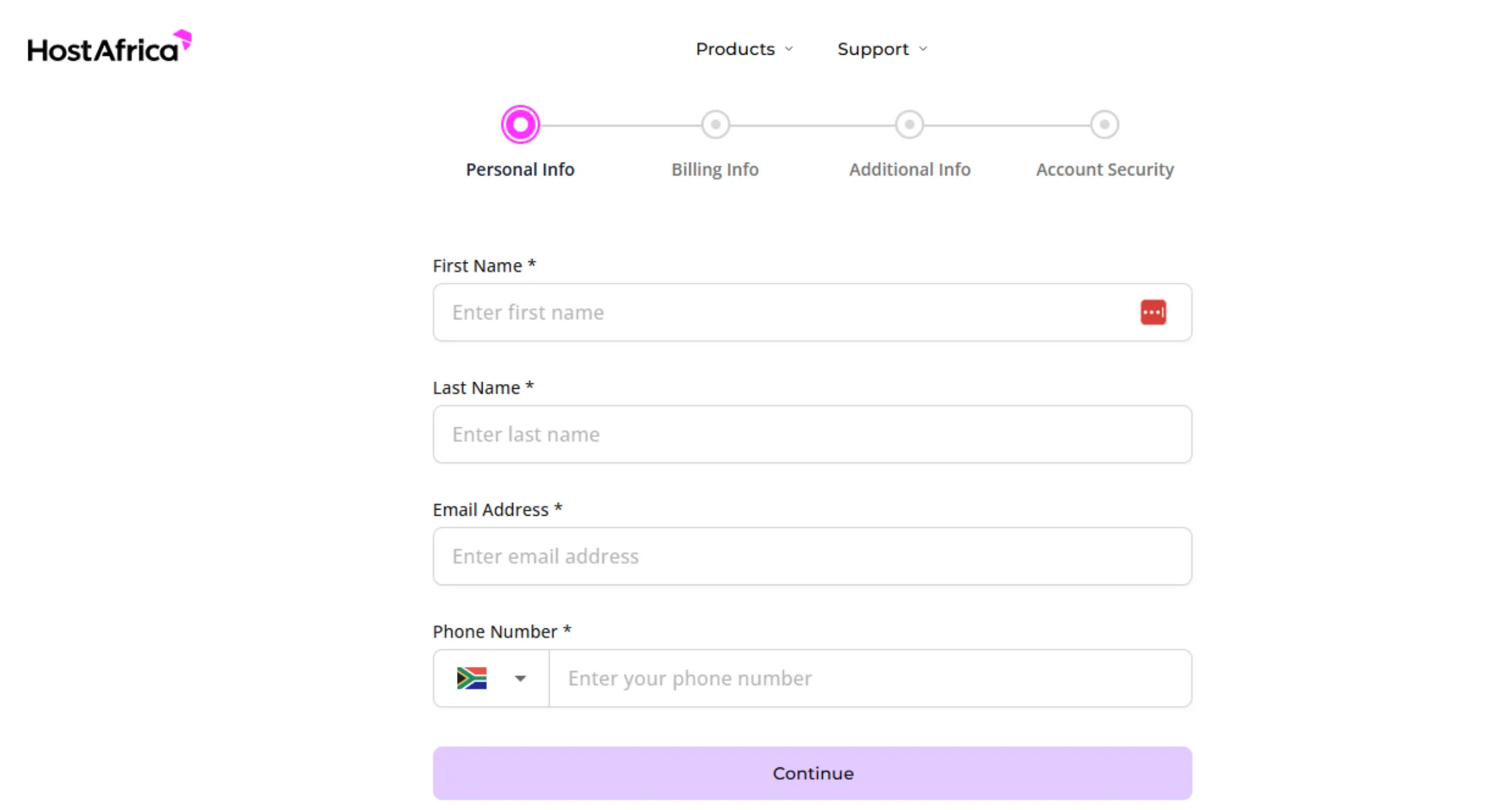
Every domain comes with a safety feature called a registrar lock. It stops anyone, including you, from moving the domain by accident or without permission. Before you can transfer a domain from Web4Africa to Truehost, this lock needs to come off.
To do this, log into your Web4Africa client area and open the Domains section. Find the specific domain you plan to move and look for an option labelled Registrar Lock or something similar. Click to disable it. Once it is off, your domain is free to be picked up by a new registrar.
Do not skip this step. A locked domain is one of the most common reasons a transfer request fails right at the start.
Step 3: Request Your EPP or Auth Code From Web4Africa
This step depends heavily on what kind of domain you own, so pay close attention here.
For most domains, you will need something called an EPP code, also known as an auth code. Think of it as a secret password that proves you own the domain and gives permission for it to move. To get yours from Web4Africa, log into your client area, go to Services, then Domains, and open the domain you want to move. Click on the Auth Info or EPP Key tab, then click the button to request it. The code usually gets sent straight to your registrant email.
Now here is where it gets a little different depending on your extension:
If you own a .co.za domain, you actually do not need an EPP code at all. This extension works differently. Instead, once you begin the transfer over at Truehost, the central registry sends a voting request email straight to the domain owner. All you have to do is click the link inside to approve it.
If you own a global domain such as .com, .net, .org, .info, .biz, .xyz, or any of the newer extensions like .online, .tech, or .store, you will need that EPP code before continuing.
The same goes for regional and African extensions such as .africa, .ng, .com.ng, .gh, and .rw. These all require the code too.
Knowing which category your domain falls into saves you from getting stuck later when you try to transfer a domain from Web4Africa to Truehost.
Step 4: Create Your Free Truehost Account
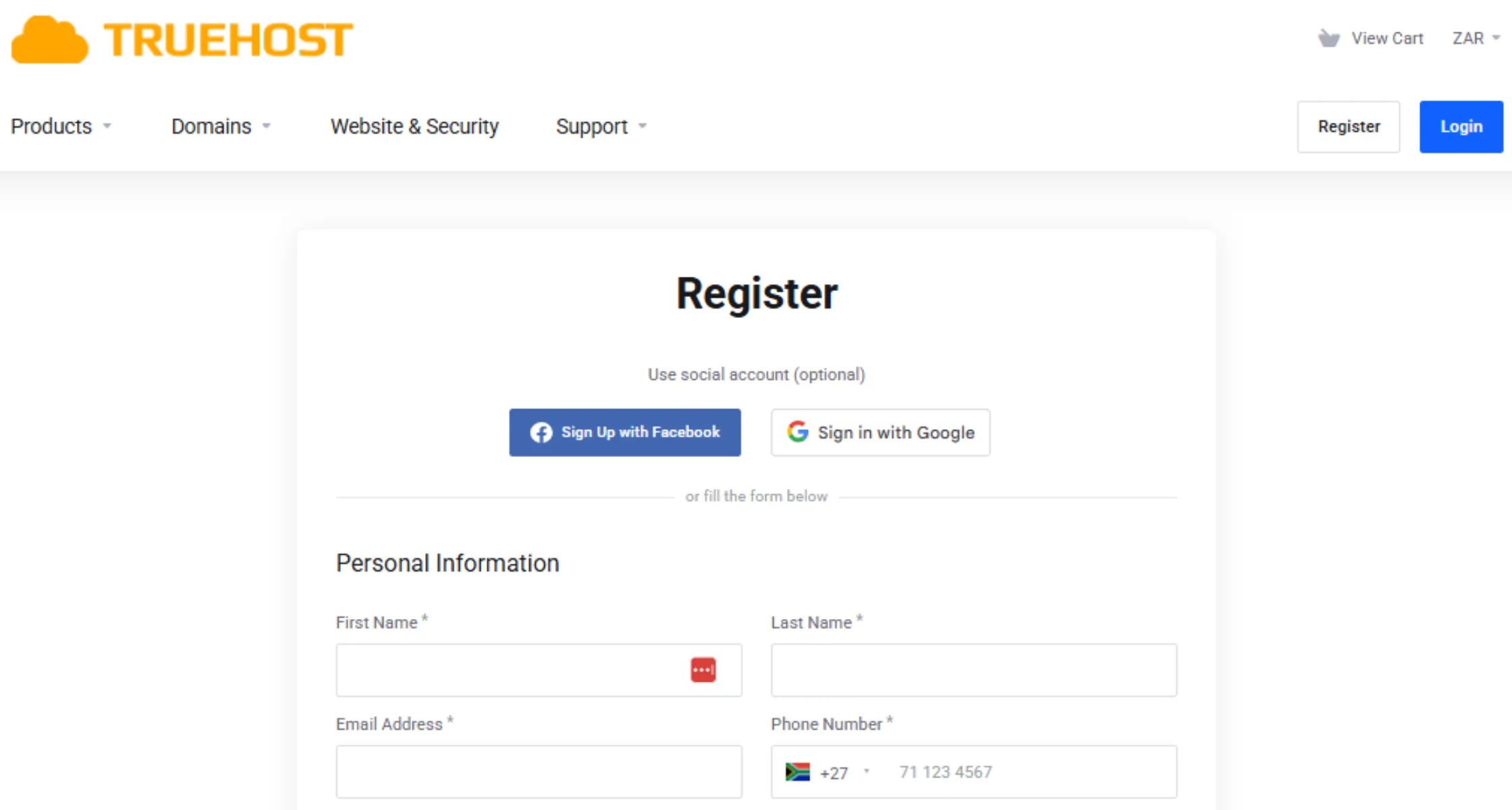
If you do not already have one, head over to Truehost and sign up for a free account. It only takes a couple of minutes. Enter your details, confirm your email address through the link sent to your inbox, and you will land straight in your new dashboard.
This dashboard is where you will manage the entire rest of the process, so keep your login details somewhere safe.
Having your account ready before you start is one of the small habits that makes it easier to transfer a domain from Web4Africa to Truehost without any last-minute scrambling.
Step 5: Start The Transfer Request On Truehost
Once you are logged in, find the Domain Transfer section on your Truehost dashboard. Type in the domain name you want to move over and start the request.
If your domain needs an EPP code, as covered in Step 3, this is where you paste it in. Type it exactly as it was given to you, since even one extra space can cause an error. If you own a .co.za domain, you can skip this part entirely since no code is needed for that extension.
After entering everything, submit your request to officially begin the process to transfer a domain from Web4Africa to Truehost.
Step 6: Approve The Transfer Request
After you submit the request to transfer a domain from Web4Africa to Truehost, keep an eye on your email inbox. You may get one or more confirmation messages asking you to approve the move. These usually go to the email address registered with the domain, so this is exactly why Step 1 mattered so much.
Click the approval link as soon as you can. Most registries give you a set number of days to confirm, and missing that window can delay everything or cancel the request completely.
The moment Truehost requests the domain move using your EPP code, Web4Africa places the domain into a “Pending Transfer” status. If You Click “Approve”: The transfer completes almost instantly or within a few hours, releasing the domain to Truehost immediately.
If You Ignore the Email, Web4Africa will hold the transfer request for the full 5 days. If you do nothing, the registry will automatically assume you consent to the move and will force-release the domain to Truehost on Day 6. If You Click “Reject”: The transfer is cancelled instantly, and you will have to restart the entire process at Truehost from scratch.
Step 7: Complete Payment For Your Transfer

Every attempt to transfer a domain from Web4Africa to Truehost comes with a small cost, since it also adds an extra year to your registration period at no additional charge on top of that. For a .com domain, the fee is R150. If you are moving a .co.za domain, the transfer is completely free.
Add the transfer to your cart on Truehost and complete the checkout. If you also want to move your website hosting over at the same time, you can add that to your order too and handle both in one go.
Step 8: Wait For The Transfer To Complete
Now comes the waiting part. Most transfers take between five and seven days to fully complete, since the current and new registrar need to confirm everything on the back end. Local .africa and .co.za domains sometimes move faster.
During this time, avoid making any changes to your domain settings, whether at Web4Africa or Truehost. Editing anything mid-transfer can cause delays or even fail the whole request, so it is best to simply sit tight until it is done. Patience here is the last real hurdle standing between you and a completed move to Truehost.
Domain transfers from Web4Africa to Truehost typically take five days for international extensions (.com, .net, .org) due to mandatory registry holds, while .co.za domains transfer within 24 hours. To avoid transfer failures, it is recommended to keep DNS settings unchanged during this pending period.
Step 9: Confirm Everything Is Working On Truehost
Once the transfer completes, log back in to your Truehost dashboard and verify that your domain now lists Truehost as the registrar. Take a look at your nameservers and DNS records to make sure they point where you want them to.
If you also moved your hosting or email over, send a couple of test emails and open your website to confirm everything loads properly. This final check gives you peace of mind that your move went smoothly from start to finish. And that marks the official end of your journey to transfer a domain from Web4Africa to Truehost.
Transfer Your Domain From Web4Africa to Truehost Now
You now have everything you need to transfer a domain from Web4Africa to Truehost.
Unlock your domain to confirm your new setup works. Truehost gives you local support, a free year added to your registration, and a dashboard that makes managing your domain easy going forward.
Head over to Truehost today and start your domain transfer.