Web Hosting
 Windows HostingBuilt for Windows apps and websites – stability, speed and flexibility
 Reseller HostingLaunch a hosting business without technical skills or expensive infrastructure
 Affiliate ProgramRefer customers and earn commissions from sales across our platform
 Domain SearchFind and secure a domain name in seconds with our quick lookup tool
 CO ZA Domains
 All DomainsExplore domain names from over 324 TLDs globally – all in one place
 Free Whois Lookup Tool South Africa
 VPS
VPS Website Builder
 Online ShopSet up a sleek eCommerce store with zero coding knowledge
 SSLs
SSLs SupportAccess help articles, how-tos, and everything about our services
 Blog
Blog Contact UsReach our team instantly via live chat or drop us an email
Building a website used to cost thousands of Rand and weeks of waiting for a developer to finish. But AI is changing all of that, and now you can use a website builder in South Africa to create your website in minutes.
How does that happen? You just type a sentence about your business, and boom, you’ve got a real, working website in minutes.
But there is a catch: the website builder pricing. Is there a free option you can use? Most of the website builders worth using are freemium, meaning you can build and use a basic version for free, or they give you a free trial before asking you to pay. What “free” gets you still varies a lot, so it pays to check the fine print before you commit.
Today we will walk you through 6 different free website builders in South Africa you can use to create a website. But first, a quick heads up. Most of these tools bill you in US Dollars, not Rand. So even if the price looks the same every month, what you actually pay in Rand can shift around depending on the exchange rate.
Keep that in mind as you read through.
So, let’s dive into the best and free website builders in South Africa.
Table of Contents
1) Truehost AI Website Builder
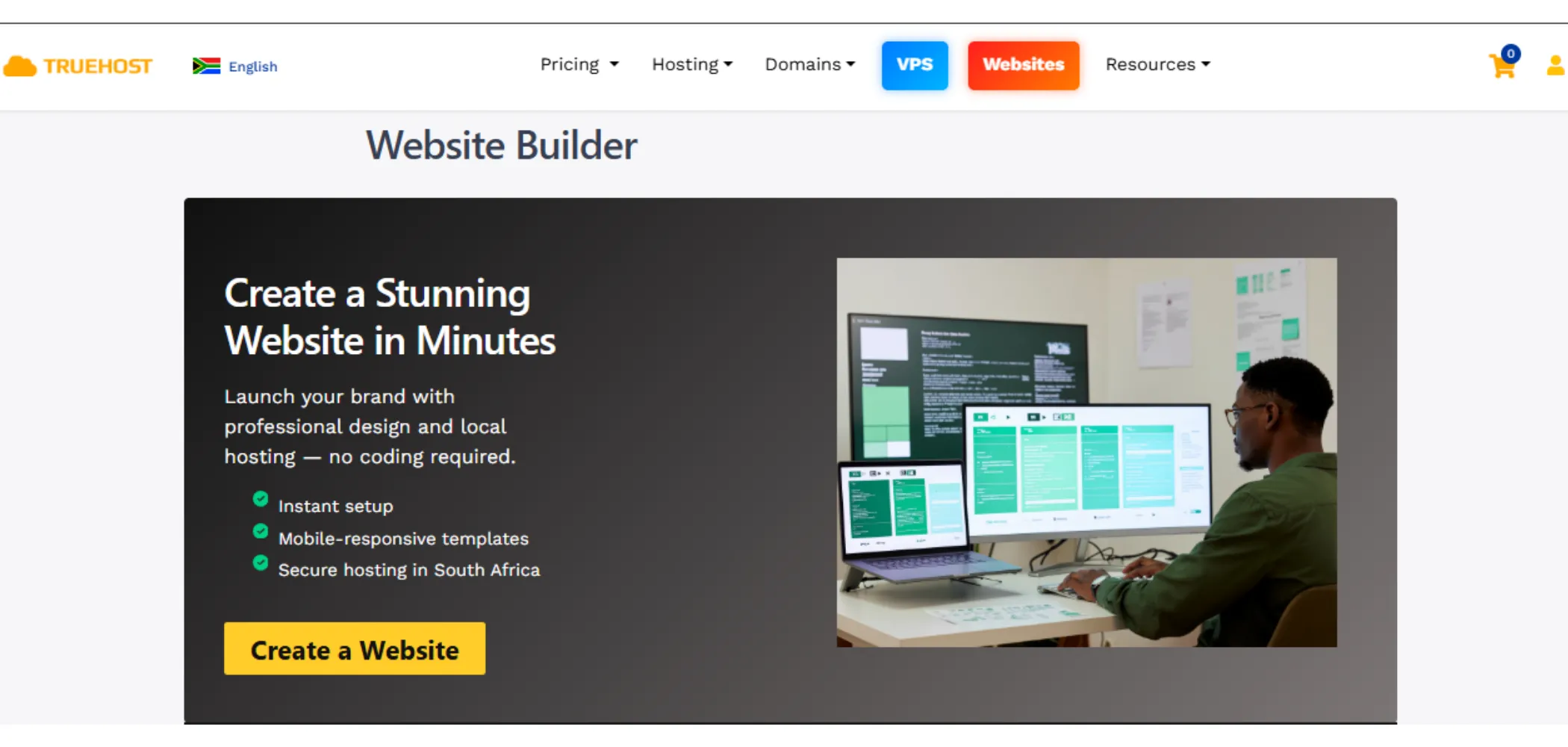
Truehost is not a free website builder outright, but it works on a freemium model. You get a genuinely usable free tier to build and publish on, and from there you can upgrade to one of several paid plans below depending on what your site needs.
| Plan | Price | What You Get |
|---|---|---|
| Starter | R50.83/mo (billed triennially) | 1GB storage, unlimited bandwidth, 1 custom domain, SSL, 100 contacts, 5 forms |
| Pro | R83.47/mo (billed triennially) | Everything in Starter, plus 10GB storage, 25 forms, 500 contacts, 3 business emails, shop |
| Business | R225.14/mo (billed triennially) | Everything in Startup, plus 50GB storage, unlimited forms, 2000 contacts, 7 business emails |
| Simple Site (once-off) | R1,500 once, no renewal | Customer Provides Content (Text, Images, Videos), Fast Website (7 pages), Social Media Integration, SEO Optimized, Rank on Google Social Media Integration, WhatsApp Chat feature, SEO Optimized, Rank on Google, Easy to Maintain |
| E-Commerce Site (once-off) | R5,680 once, no renewal | 5 pages plus a shop, up to 20 products, payment gateway setup |
Let’s start here.
If you’re looking for a website builder in South Africa specifically, Truehost is worth knowing about first.
Truehost website builder in South Africa is a good fit for:
- Local businesses
- Small shops
- Solo consultants
And here’s where it gets even better: if you don’t want to build the site yourself, Truehost will build it for you with their once-off options.
Now, what kind of sites can you make with Truehost website builder?
- Business pages with a few sections
- Service sites with contact forms so customers can reach you
- Small online shops that sell up to about 20 products
On top of that, you can get business email addresses that match your own domain name, which looks a lot more professional than a free email address.
Here is the good part:
- Truehost gives you a free plan, letting you build and publish for 30 days at no cost before you pay anything. So you can try it out before paying.
- Also, the design style leans toward standard, clean templates rather than wild, artsy layouts, so if you want something super unique-looking, this might not be your first pick.
- And storage on the cheapest plan is just 1GB, which is fine for text and a few photos, but tight if you’re planning to upload lots of pictures or videos
2) Wix AI (ADI)
| Plan | Price | What You Get |
|---|---|---|
| Free | R0 | No credit card required Reliable web hosting Intuitive drag-and-drop editor No-code design features 1000s of templates |
| Light | $17/mo | Free domain for 1 year 2 GB storage space Multi-cloud hosting Light marketing suite 2 site collaborators |
| Core | $29/mo | Free domain for 1 year 50 GB storage space Multi-cloud hosting Basic marketing suite Accept payments Basic eCommerce Scheduling and services 5 site collaborators |
| Business | $36-39/mo | Free domain for 1 year 100 GB storage space Multi-cloud hosting Standard marketing suite Accept payments Standard eCommerce Scheduling and services 10 site collaborators |
| Business Elite | $159/mo | Free domain for 1 year Unlimited storage space Multi-cloud hosting Advanced marketing suite Accept payments Advanced eCommerce Scheduling and services Advanced developer platform 100 site collaborators |
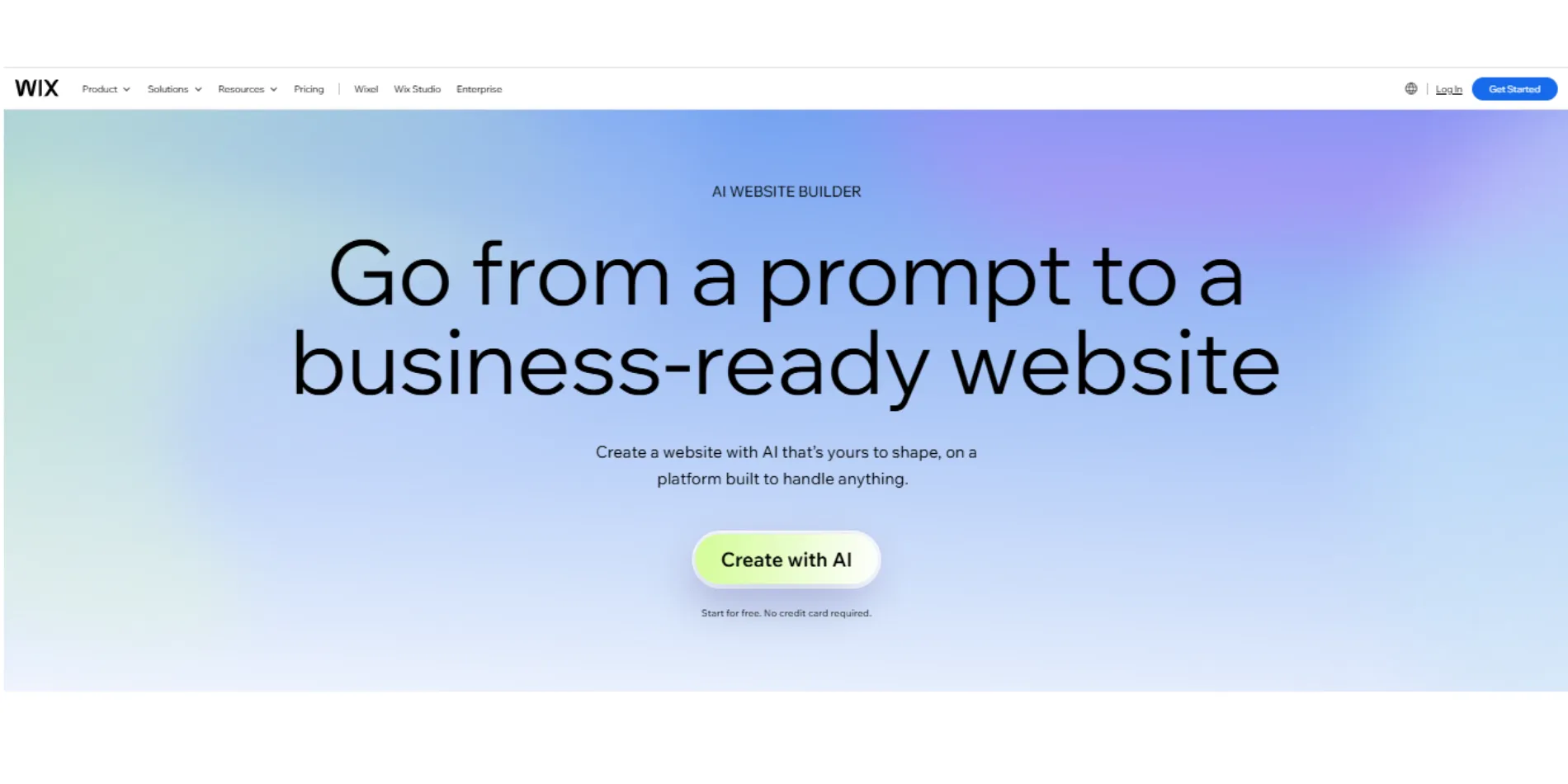
Next up is Wix, and honestly, this is probably where most beginners will want to start if they’re just getting into the whole website builder in South Africa search.
You just answer a few simple questions about your business, and the AI (that’s the computer program doing the thinking for you) builds a starter site using one of over 2,000 templates. Then you get to drag things around, swap pictures, and change words until it feels like yours.
So who is Wix good for?
Total beginners. People who’ve never made a website before and just want to play around and learn how it all works. It’s also a nice option for:
- Clubs
- Small groups
- Non-profits that just need a simple page online
You can build:
- Personal sites
- Portfolios (a page showing off your work)
- Small business pages
- And even online stores once you upgrade
But here’s the thing you need to know.
On the free plan, you only get 500MB of storage, which fills up fast once you start adding photos. You also can’t sell anything or use your own domain name (like yourbusiness.co.za) until you pay. Until then, your website address will always look like yourname.wixsite.com, and Wix’s own ads will show up on your pages too.
3) Framer AI
| Plan | Price | What You Get |
|---|---|---|
| Free | R0 | .framer.app subdomain, 10 CMS collections, 1,000 pages, 5MB uploads, 3 editors |
| Basic | $10/mo | Custom domain, 50GB bandwidth, 2 CMS collections |
| Pro | $30/mo | 10 CMS collections, 150 pages, 100GB bandwidth, staging environment |
| Scale | $100/mo, annual only | 20+ CMS collections, 700 pages, 2TB bandwidth |
| Enterprise | Custom pricing | Unlimited editors, advanced hosting |
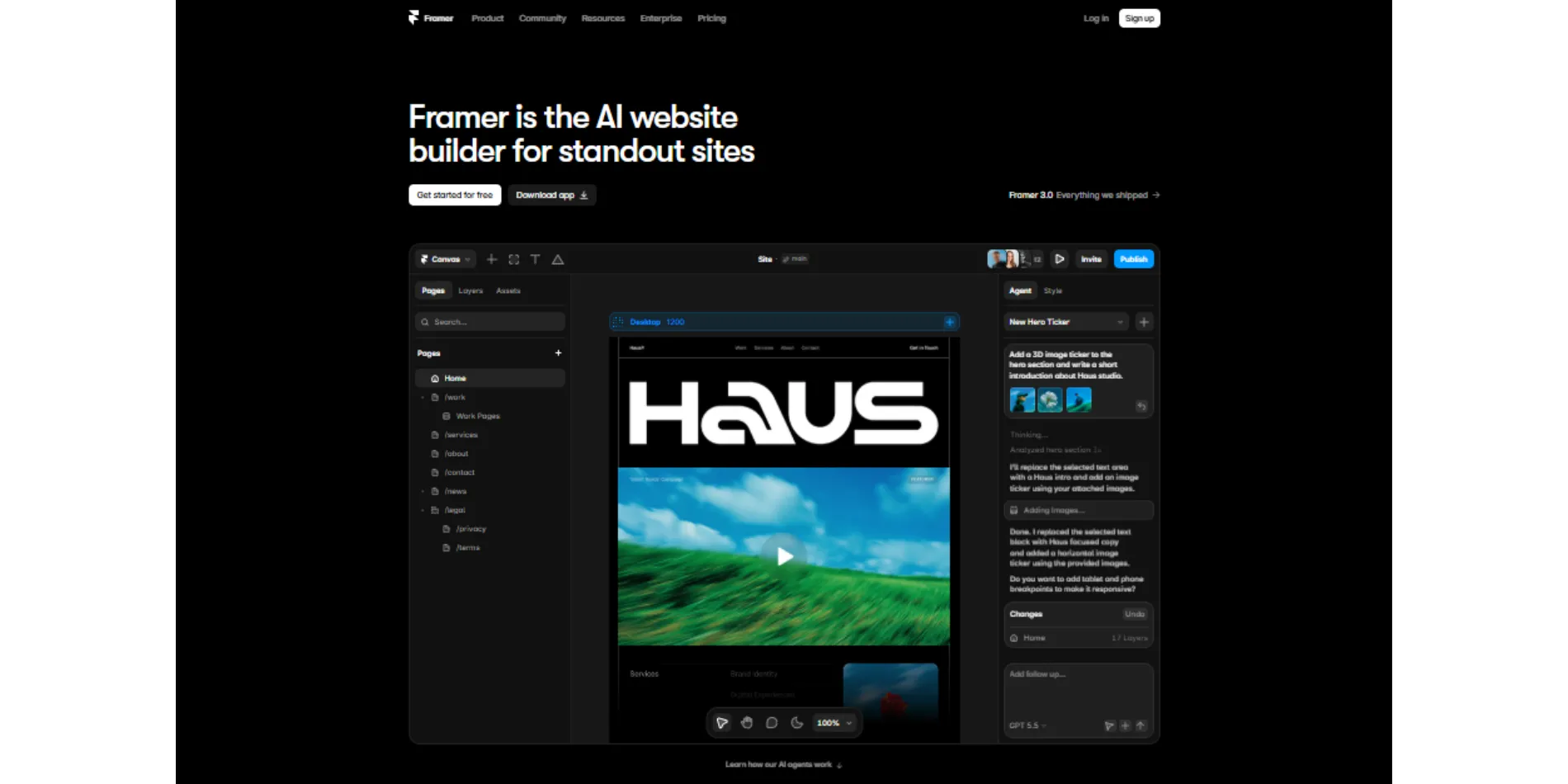
Moving on to Framer, which is kind of the fancy cousin in this website builder in South Africa lineup. If you care about your site looking sleek, modern, and a little bit like it came from a real design studio, Framer is one to try.
It’s popular with designers, freelancers, and startup teams who want their site to make a strong first impression.
What can you build with Framer?
- Portfolios
- Agency websites
- Landing pages for a new product or app
- Simple blogs
It’s especially good for sites that use cool animations and smooth scrolling effects, since that’s kind of its specialty.
Now for the catch.
Framer free plan is pretty generous with pages and content, but you can’t connect your own domain name until you pay for at least the Basic plan. Also, once you do pay for Basic, you only get 2 CMS collections (think of a CMS collection as a folder for repeating content, like blog posts or team members), which runs out fast if you want more than one type of content on your site.
Every free plan site also carries a small Framer badge in the corner, telling visitors it was built on a free tool. And if you’re hoping to sell products, Framer isn’t really built for that. You’d need to connect an outside tool to make selling work.
4) Hostinger AI Builder
| Plan | Promo Price (48-month term) | Renewal Price | What You Get |
|---|---|---|---|
| Premium | $1.99/mo | $10.99/mo | Website builder, 1 domain, basic AI tools |
| Business | $2.99/mo | $16.99/mo | Ecommerce tools, more storage, priority support |
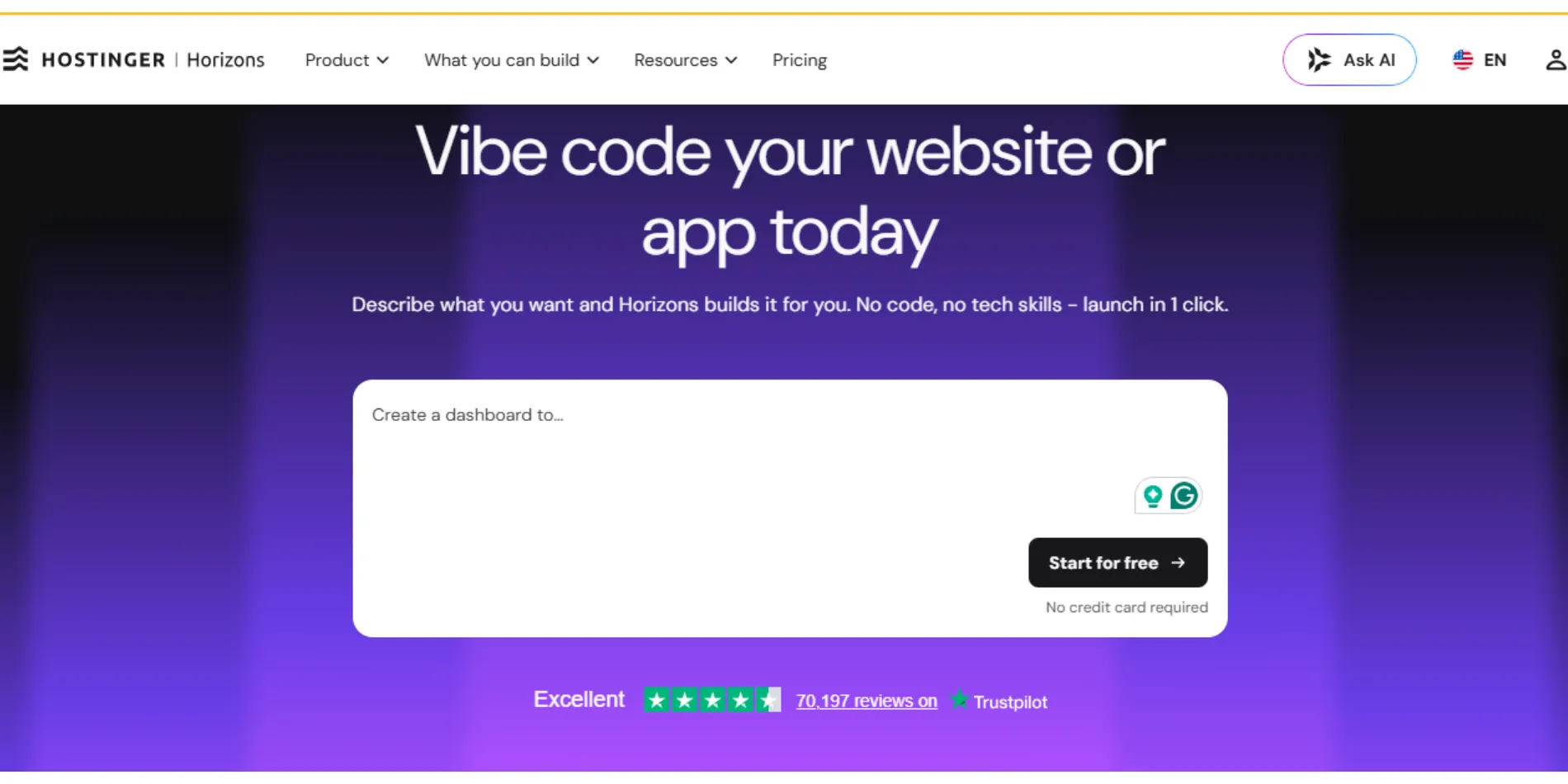
Hostinger is the budget pick on this list.
If you just want something cheap and simple, and you’re already fine with paying a small amount every month, this one’s worth a look as your website builder in South Africa.
It’s best for people who don’t need super fancy design, just a working site online fast, without spending much money. With Hostinger website builder, you can build:
- Portfolios
- Personal blogs
- Small brochure-style business pages
- And even small stores that sell up to around 500 products
It also comes with handy extras like an AI logo maker and an AI writer that helps you come up with website text.
Here’s what to watch out for, though.
There’s no real free plan, only a 7-day free trial, and you cannot publish live until you pay. The templates work fine, but they’re not as polished-looking as Wix or some of the fancier builders. And since this is budget-friendly hosting, if your site starts getting a lot of visitors or you’re uploading tons of photos and videos, you might outgrow it pretty quickly.
5) Durable
| Plan | Price | What You Get |
|---|---|---|
| Free | R0 | Subdomain, 3 pages, basic AI generation, 5 CRM contacts, no custom domain |
| Launch | $22/mo billed annually, or $25/mo monthly | Custom domain, hosting, CRM, invoicing, AI marketing tools |
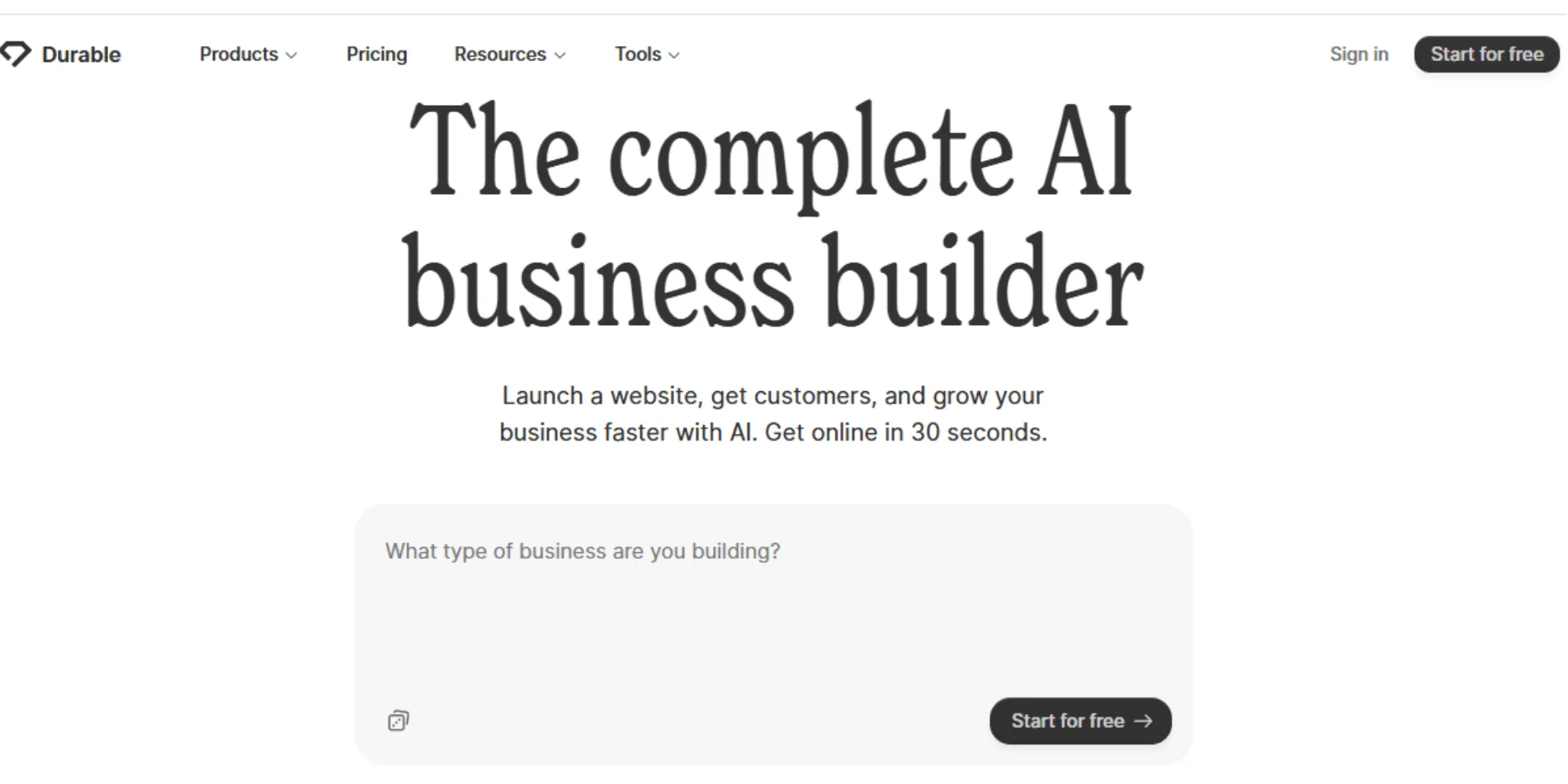
Durable’s whole thing is speed, and it’s one of the fastest options if you’re comparing website builder tools in South Africa. Tell it what your business does, and about 30 seconds later, you’ve got a website. That’s genuinely fast, faster than anything else on this list.
So who’s it for?
Busy small business owners, like plumbers, hairdressers, or consultants, who just want to look legit online without spending hours designing anything.
You get a simple site, plus a built-in CRM (that just means a tool for keeping track of your customers’ contact info) and an invoicing system so you can bill people directly from the same place.
But keep this in mind.
- The designs are pretty basic and don’t leave much room for making your site look different from anyone else’s Durable site.
- Selling products isn’t really built in either; you’d need to connect something like Stripe separately to accept payments.
- The free plan also caps you at 5 AI-generated images a month, so visual-heavy sites hit that fast.
- The plan also only gives you 3 pages and 5 contacts in your CRM, so it’s really just enough to test things out before deciding if you want to pay.
6) Neo Sites
| Plan | Price (billed annually) | What You Get |
|---|---|---|
| Trial | Free for 15 days | Full builder access, one-page site while active |
| Entry tier | $3.59/mo | Website plus a free domain for the first billing cycle |
| Higher tier | Up to $11.99/mo | More storage, email, additional features |
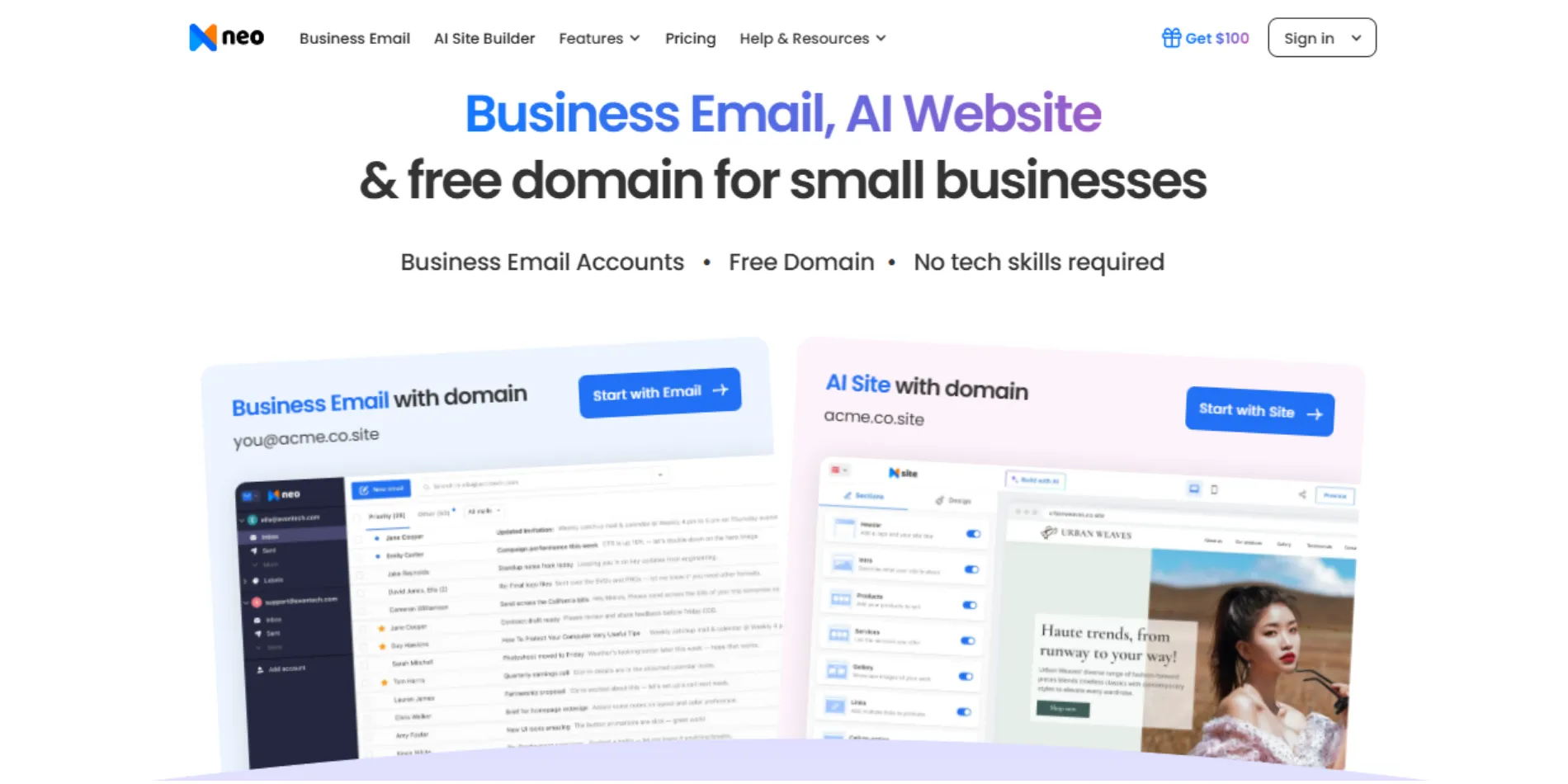
Neo Sites is a smaller name, but it’s still worth mentioning as an option if you’re comparing every possible website builder in South Africa before deciding. It’s built for one thing: a simple, single-page website, kind of like a digital business card that lives online.
This one’s best for:
- Solopreneurs who want something quick and simple
- A business email address to match
You’ll get a contact form on your page so people can reach you, along with some basic stats showing how many people visited.
Now here’s the part to know before you sign up.
- There’s no proper multi-page website here, just one single page.
- There’s also no blogging feature at all, which counts if you ever want people to find you through Google search, since blogs help with that a lot.
Neo offers a 15-day free trial that gives you a preview of its one-page site builder, extra storage, and business email. Once the trial ends, there is no free tier; you must upgrade to a paid subscription to keep your business email active and your website online indefinitely.
Choose the best website builder in South Africa now
There you have it, 6 free website builders in South Africa that help you build your business website in minutes. But before you pick your website builder in South Africa, run through this quick checklist first. It’ll save you from a headache later.
- Can you publish your site live, or does it only let you preview it until you pay?
- Do you get to use your own domain name, or are you stuck with someone else’s subdomain and branding?
- What kind of website does this tool build: a single page, a full business site, an online shop, or a web app?
- Who is this tool made for: total beginners, small business owners, or people who already know how to code?
- Where is your site hosted, and will that affect how fast it loads for visitors here in South Africa?
Free website builders are fine to test ideas. But they will slow you down when it is time to grow.
You deal with:
- Locked features.
- Forced branding.
- No custom domain.
- And in many cases, you cannot even launch a proper business website without upgrading.
If you are serious about your business, you need a tool that lets you go live, look professional, and scale without limits.
Truehost website builder gives you exactly that. You get your own domain, full publishing access, and the ability to build a complete business site or online store without restrictions.
Stop wasting time on tools that hold you back. Get your business or portfolio website live today with Truehost website builder and start building something real.
Free Website Builder in South Africa FAQs
The best website builders for beginners in South Africa are Truehost, Wix, and Durable. They are easy to use, require no coding, and can generate a site quickly with AI tools.
Yes, you can build a professional website without paying anything, but with limits. Free plans often include ads, subdomains, and restricted features, which can make your site look less professional. To build a professional website without paying, Truehost allows you to just buy a domain and build your site for free with no ads attached.
No, you don’t need coding skills to use a website builder. Most website builders, like Truehost, are designed for non-technical users. You can create a full site using drag-and-drop tools or AI prompts.
Usually you cannot connect your own domain to a free website builder. Most platforms require a paid plan before you can use a custom domain name.
To build a website in South Africa can be free if you use a free website builder, or a few hundred Rand per month, depending on the platform, features, and whether you need eCommerce tools.
Free website builders are good for small businesses but for testing ideas or simple pages, but not ideal for long-term business use due to branding limits and missing features.
The website builder that supports online stores in South Africa is Truehost. You can also consider Wix or Hostinger, which also support eCommerce features. However, full online store functionality usually requires a paid plan.
Yes, your website will be mobile-friendly after building with an AI website builder. Most modern website builders automatically create mobile-friendly versions of your site.
Yes, you can switch website builders later, but it can be difficult. You may need to rebuild your site from scratch since most platforms don’t allow easy migration.
It can take you under a minute to build a website with AI, depending on your website builder. However, customizing it properly can take a few hours.
Yes. Most website builders come with built-in hosting, so you don’t need to buy it separately.
Yes, you can rank on Google using a free website builder, but it’s harder. Limited SEO tools, slow performance, and subdomains can affect your rankings.
The biggest downside of free website builders is lack of control, forced ads, and inability to scale your site as your business grows.
A business email is not required with your website, but it helps your brand look more professional (for example, [email protected] instead of Gmail).
Yes, it’s better to pay for a website builder from the start if you are serious about your business. Paid plans remove limitations and let you launch a full, professional website immediately.