Web Hosting
 Windows HostingBuilt for Windows apps and websites – stability, speed and flexibility
 Reseller HostingLaunch a hosting business without technical skills or expensive infrastructure
 Affiliate ProgramRefer customers and earn commissions from sales across our platform
 Domain SearchFind and secure a domain name in seconds with our quick lookup tool
 CO ZA Domains
 All DomainsExplore domain names from over 324 TLDs globally – all in one place
 Free Whois Lookup Tool South Africa
 VPS
VPS Website Builder
 Online ShopSet up a sleek eCommerce store with zero coding knowledge
 SSLs
SSLs SupportAccess help articles, how-tos, and everything about our services
 Blog
Blog Contact UsReach our team instantly via live chat or drop us an email
Finding a place to host your code shouldn’t cost more than your monthly coffee budget. As a student, you need a setup that handles real development work without the high price tag.
Most basic web hosts are made for simple blogs, not for students building the next big app.
This guide walks you through the best options for your projects this year. We will look at free tools and professional services that fit a tight budget.
You will learn how to pick a host that actually helps you grow as a developer.
Table of Contents
Why Traditional “Cheap Hosting” Fails Student Coders
Many hosting companies offer plans for just a few dollars. These look like a great deal at first glance.
However, these plans often use shared environments that restrict what you can do.
Most budget hosts use cPanel, which is fine for WordPress but bad for coding. You might find that you cannot use SSH to access your files securely.
Without SSH, you cannot run modern commands or manage your server effectively.
Another issue is the lack of support for different languages. If you are coding in Node.js, Python, or Go, a standard host might block your scripts. You need an environment where you can install the specific tools your project requires.
A) Top Free Hosting for Students (The $0 Budget)
You can actually host many of your assignments for free. Several big tech companies want to help students learn their platforms. The best way to access these is through a special student program.
i) GitHub Student Developer Pack
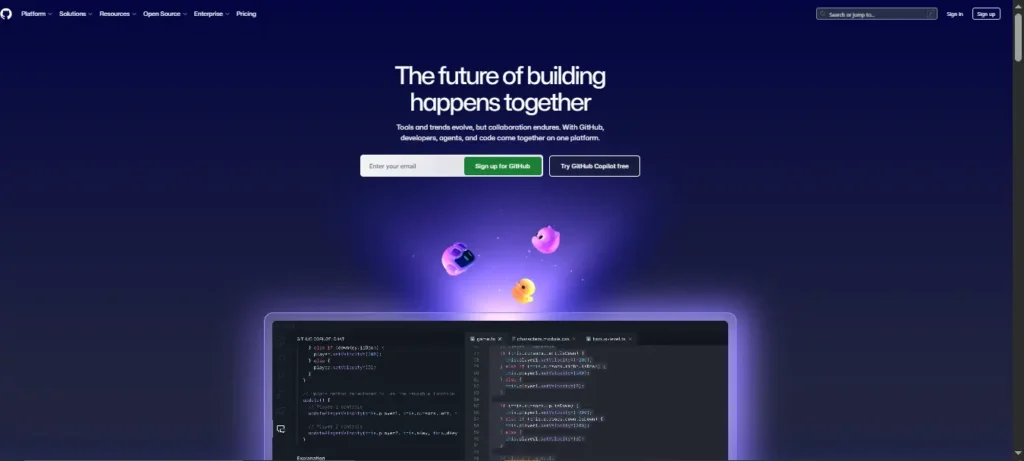
The GitHub Student Developer Pack is a must-have for every computer science major. It includes free access to dozens of high-end developer tools. You get cloud credits for platforms like DigitalOcean and Microsoft Azure.
These credits usually last for a full year. This gives you enough time to build and host several projects for class. It is the best way to get professional experience without spending a dime.
ii) Vercel and Netlify for Frontend
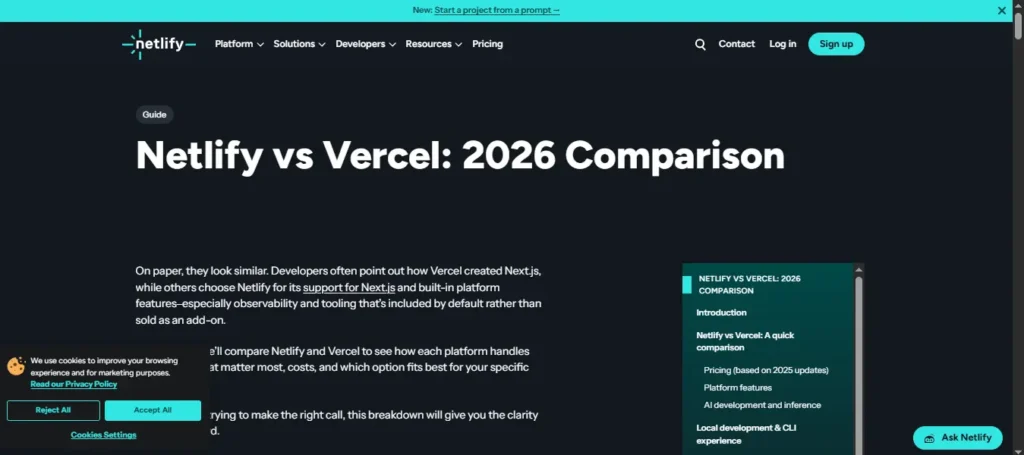
Do you focus on frontend development with React or Next.js? Vercel and Netlify are the industry standards for these frameworks. Their free tiers are very generous for personal use.
They connect directly to your GitHub account. Every time you push a change, your website updates instantly. This workflow is exactly what professional developers use in their daily jobs.
iii) Cloudflare Pages
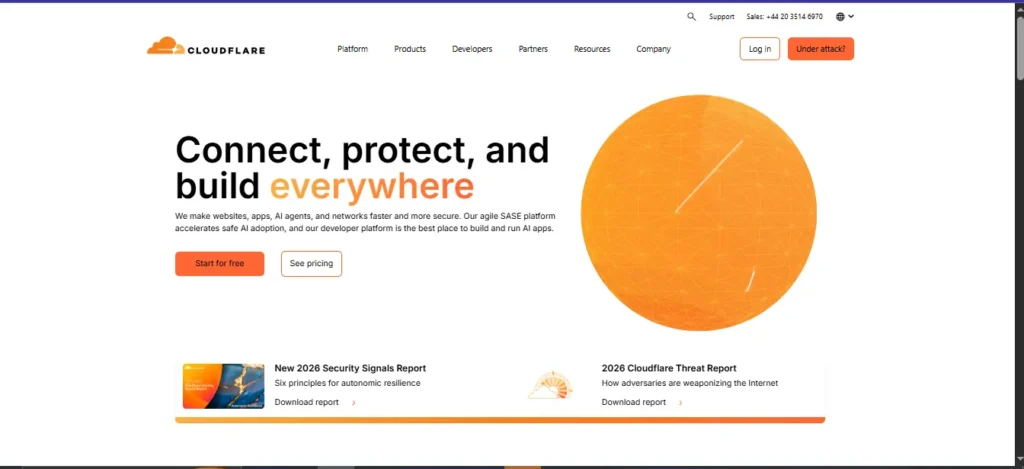
Cloudflare is famous for keeping the internet fast and secure. Their Pages product is perfect for hosting static sites and small APIs. The free plan allows for unlimited sites and a huge amount of traffic.
B) Best Cheap VPS and Cloud Hosting for Coding Projects
Sometimes your project needs more power than a free plan provides. A Virtual Private Server (VPS) gives you your own dedicated slice of a server. You get “root” access, which means you are the boss of the machine.+1
1) Truehost: The Best Choice for Value
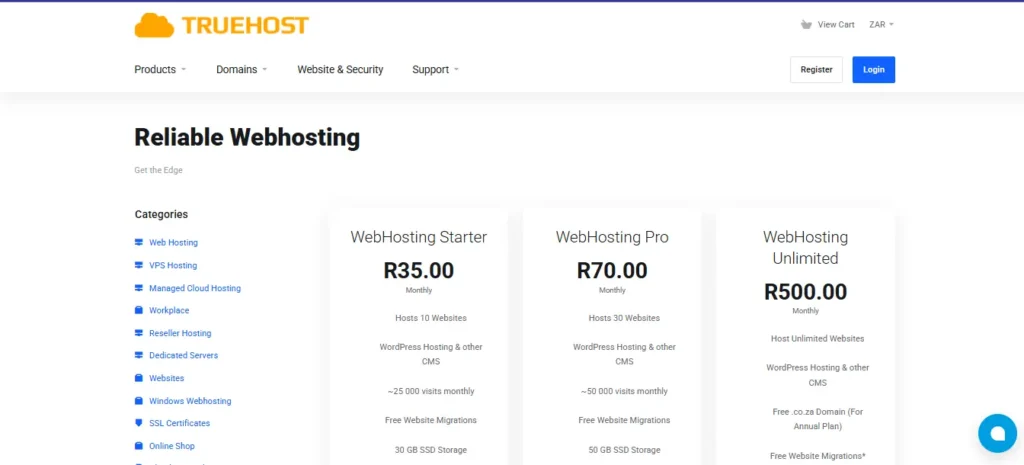
Truehost is a leader when it comes to affordable hosting for students. We offer VPS plans that start at very low prices. For example, you can get a reliable VPS in South Africa for about R35 per month.
In South Africa, Truehost VPS plans are equally competitive, starting around R80 per month. This global reach makes them a great partner for students everywhere.+1
Truehost stands out because we provide local support. If your server goes down before a midnight deadline, you can actually talk to someone.
Our hardware is modern, ensuring your code runs fast and stays online.
2) Railway and Render
Railway and Render are known as “Platforms as a Service” or PaaS. They handle the server management for you so you can focus on code. Railway has a hobby plan for $5 that includes $5 of usage credit.+2
These platforms are great for “set it and forget it” projects. They automatically scale your resources if your project gets a lot of hits.
This prevents your site from crashing during a big presentation.
3) Hetzner and Coolify
For those who want to dive deeper into DevOps, try Hetzner. They offer some of the cheapest raw servers in the world. You can pair a small Hetzner server with a tool called Coolify.
Coolify is an open-source dashboard you install on your own server. It gives you a private interface similar to Heroku or Vercel.
This is a great way to host ten different small apps on one single $5 server.
C) Framework Compatibility Matrix
You must pick a host that speaks the same language as your code. Using the wrong host leads to errors that are hard to fix. Use this table to check which service fits your current stack.
| Hosting Provider | Node.js Support | Python Support | Database Type | Best For |
| Truehost | Full | Full | MySQL/Postgres | VPS & Custom Apps |
| Vercel | High | Limited | Edge Config | Next.js & React |
| PythonAnywhere | None | High | MySQL | Flask & Django |
| Netlify | High | None | Serverless | Static Portfolios |
D) Mistakes to Avoid When Choosing Student Hosting
Picking a host is about more than just finding the lowest price. Many students make simple errors that cost them time and money later. Avoid these common pitfalls to keep your projects running smoothly.
i) Falling for the “Introductory Price”
Many hosts advertise a price of $1 or $2 per month. This price usually only lasts for the first year. After that, it might jump to $15 or $20 per month.
Always check the renewal price before you put in your card details. Truehost is great here because their pricing stays consistent and fair.
You won’t get a surprise bill that eats up your savings.
ii) Hardcoding Your Passwords

Never put your database passwords or API keys directly in your code. If you push that code to GitHub, anyone can see your private info. This can lead to hackers taking over your hosting account.
Use environment variables instead. Good hosts like Truehost and Railway make it easy to manage these secrets.
This keeps your project secure and follows professional industry standards.
iii) Ignoring Backup Options
Your server will eventually have an issue or you might delete a file by mistake. If you do not have a backup, your hard work is gone forever. Some cheap hosts do not include backups in their base price.
Check if your provider offers automatic snapshots. Truehost provides options for backups so you can sleep easy. It only takes one mistake to lose a whole semester of work.
iv) Critical Features for Student Developer Hosting
Beyond the price, you need specific technical tools to succeed. These features save you time and make your projects look professional. Make sure your host offers these three things.
v) Full SSH Access
SSH is how you talk to your server using the command line. It is essential for installing software and debugging errors. Avoid any host that limits you to a web-browser file manager.
vi) Free SSL Certificates
An SSL certificate puts the little padlock icon in the browser bar. It tells users that your site is safe to visit. You should never pay for this; look for “Let’s Encrypt” support.
vii) One-Click App Installers
While you are learning, you might want to set up a database quickly. One-click installers for MySQL or PostgreSQL save you a lot of configuration time. Truehost offers these tools to help you get started in minutes.
E) Strategic Steps to Deploy Your First Project
Deploying your code to the live web is an exciting milestone. It is the moment your project becomes “real” for the world to see. Follow these steps to ensure a smooth launch every time.
Step 1: Prepare Your Code
Clean up your project before you move it to the server. Remove any test data or “print” statements that you don’t need. Make sure your package.json or requirements.txt file is up to date.
Step 2: Set Up Your Truehost Account
Go to the Truehost website and pick a plan that fits your budget. If you are just starting, a basic VPS or shared plan is plenty. Their setup process is fast and guides you through each part.
Step 3: Configure Your Domain
A custom domain name like yourname.tech looks much better than a long sub-domain. Connect your domain to your Truehost server using DNS records. This usually takes a few hours to update across the internet.
Step 4: Secure Your Site
Once your site is live, turn on your free SSL certificate. This is a vital step for security and for your search engine ranking. A site without a padlock looks suspicious to most users today.
F) Summary: Best Value Hosting Picks for 2026
The world of hosting changes fast, but your needs as a student stay the same. You want something cheap, fast, and easy to manage. Here are the final winners for 2026.
a) The Best Overall Value
Truehost remains the best choice for students who want a professional setup. Their local support and fair pricing make them hard to beat. You can grow from a small project to a full business on their platform.
b) The Best Free Option
Use the GitHub Student Developer Pack to learn the ropes. It gives you a chance to try expensive cloud services for free. Once your credits run out, you can move your project to a more permanent home.
Final Advice for Student Developers
Don’t be afraid to break things and start over. Hosting is a skill just like coding. The more you practice deploying projects, the more confident you will become.
Ready to get your project online? Visit Truehost today and find the perfect plan for your coding projects.