Web Hosting
 Windows HostingBuilt for Windows apps and websites – stability, speed and flexibility
 Reseller HostingLaunch a hosting business without technical skills or expensive infrastructure
 Affiliate ProgramRefer customers and earn commissions from sales across our platform
 Domain SearchFind and secure a domain name in seconds with our quick lookup tool
 CO ZA Domains
 All DomainsExplore domain names from over 324 TLDs globally – all in one place
 Free Whois Lookup Tool South Africa
 VPS
VPS Website Builder
 Online ShopSet up a sleek eCommerce store with zero coding knowledge
 SSLs
SSLs SupportAccess help articles, how-tos, and everything about our services
 Blog
Blog Contact UsReach our team instantly via live chat or drop us an email
A domain transfer is moving your domain name from one registrar to another. When you transfer a domain, you’re changing the company that manages your domain registration records, but your website and email services stay intact if set up correctly.
Some of the reasons why people transfer domains are finding better pricing, wanting more reliable customer support, or simply needing a simpler control panel to manage domains.
The best thing is that transferring to Truehost won’t cost you an arm and a leg. For a .com domain, you’ll pay R216. A .net domain transfer costs R265, and .org goes for R180. If you’re moving a .co.za domain, it’s free.
Keep in mind that when you pay for a transfer, you’re essentially paying for an additional year of registration, which gets added to your existing registration period
Table of Contents
Pre-transfer Checklist
Before you start, you need to check a few boxes:
- Unlock your domain: Domain registrars keep your domain locked by default to prevent unauthorised transfers. Log into your Domains.co.za account, find your domain settings, and look for “Domain Lock,” “Registrar Lock,” or “Transfer Lock.” Switch it to unlocked.
- Check your email accessibility: Your domain’s administrative email address must be active and accessible to receive the transfer approval link.
- Disable WHOIS privacy: If you have domain privacy protection turned on, you should temporarily disable it. Privacy services often redirect verification emails to a proxy address, meaning the transfer approval email might never reach you.
- Confirm 60-day rule: ICANN rules state that domains must be at least 60 days old before they can be transferred. If you recently registered your domain or changed ownership contact details, you’ll need to wait until that 60-day period passes.
- Backup DNS records: While your DNS settings should remain intact during the transfer, it’s smart to back them up just in case. Take screenshots or export all your DNS records – A, CNAME, MX records (for email), TXT records, and anything else you have set up.
Transfer a Domain to Truehost in 8 Simple Steps
Step 1: Log in to Domains.co.za
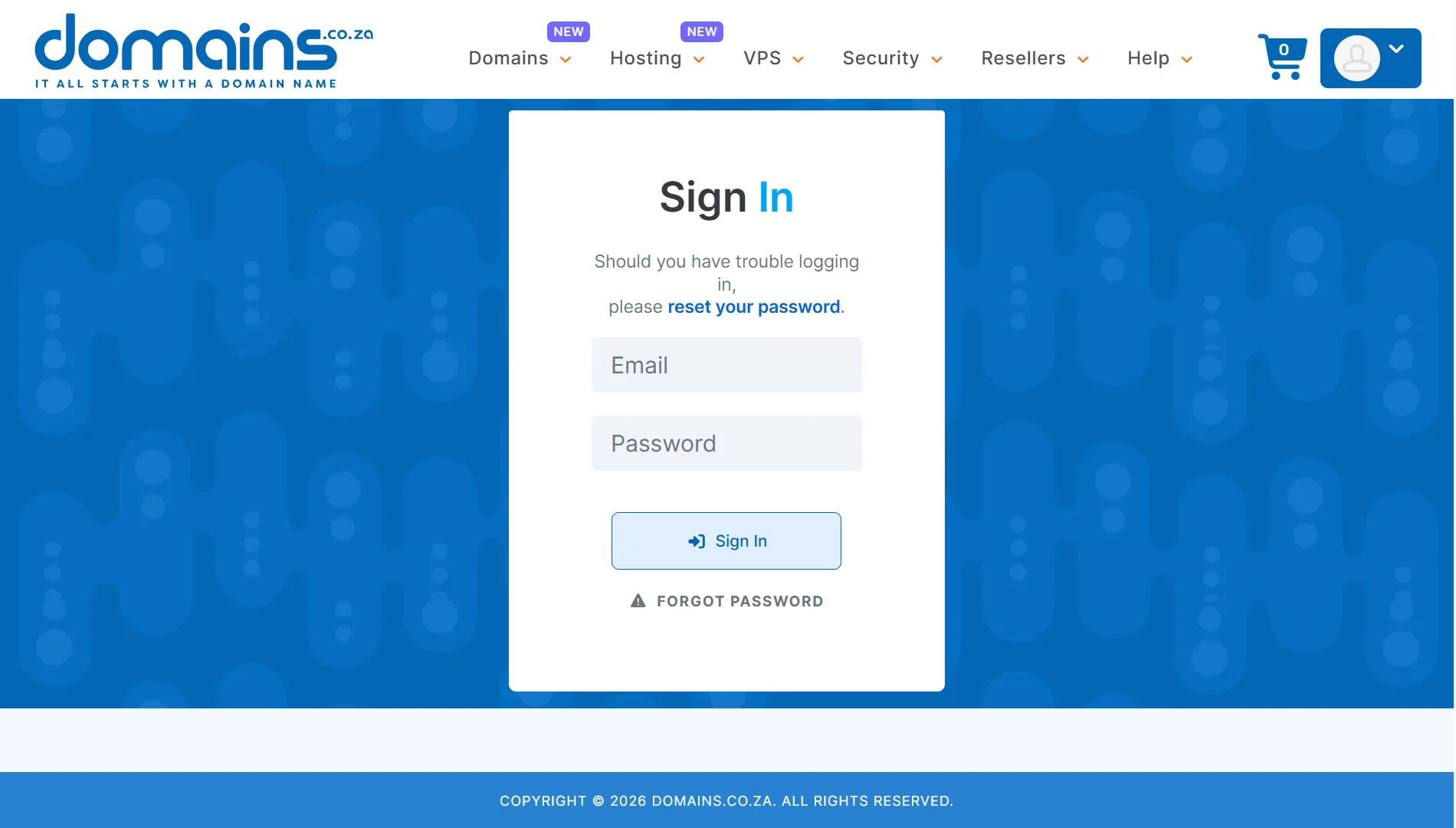
Head to the Domains.co.za website and log in to your client area. This is where you’ll manage your domain settings and initiate the transfer process from their side.
Step 2: Find Your Domain
Once you’re logged in, navigate to “My Domains” section. You’ll see a list of all the domains you have registered with them. Select the specific domain you want to transfer.
Step 3: Get Your EPP Code
Look for a button or option that says Get EPP or Get Auth Code. This is your domain’s authorisation code. It’s like a password that proves you’re the legitimate owner.
Click it, and Domains.co.za will either show you the code on screen or send it to your registered email address.
If you’re transferring a .co.za, .org.za, or any other .za domain, you don’t need an EPP code to proceed. These domains follow a different process, so you can skip this step for local South African extensions.
Copy the code carefully because even one wrong character or extra space can cause the transfer to fail.
Step 4: Log In to Truehost
Now go over to Truehost. If you already have an account, log in to your Truehost client area.
If you’re new to Truehost, you’ll need to sign up for an account first; it takes just a few minutes, and you’ll use it to manage your domain after the transfer.
Step 5: Start the Transfer
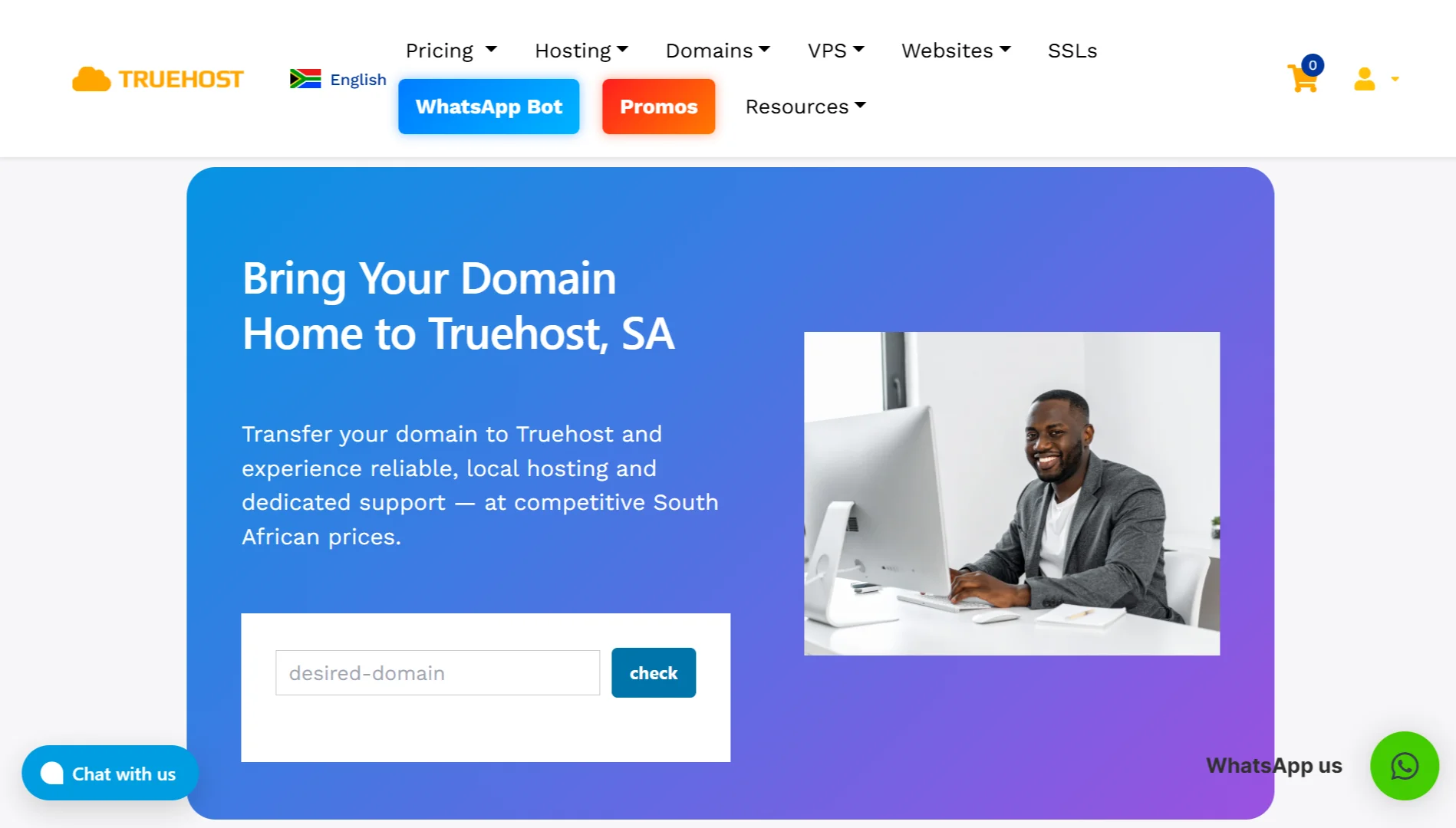
From your Truehost dashboard, locate the Domain Transfer page. Enter the domain you want to transfer in the search tool on the transfer page.
Once the tool confirms your domain is registered, click on Transfer Now.
When you transfer a domain, you’re typically paying for an extra year of registration. This gets added to whatever time you already have remaining on your current registration, so you don’t lose any paid time.
Step 6: Enter Domain Details
You’ll enter the EPP code and the domain details. Ensure that all the details are accurate.
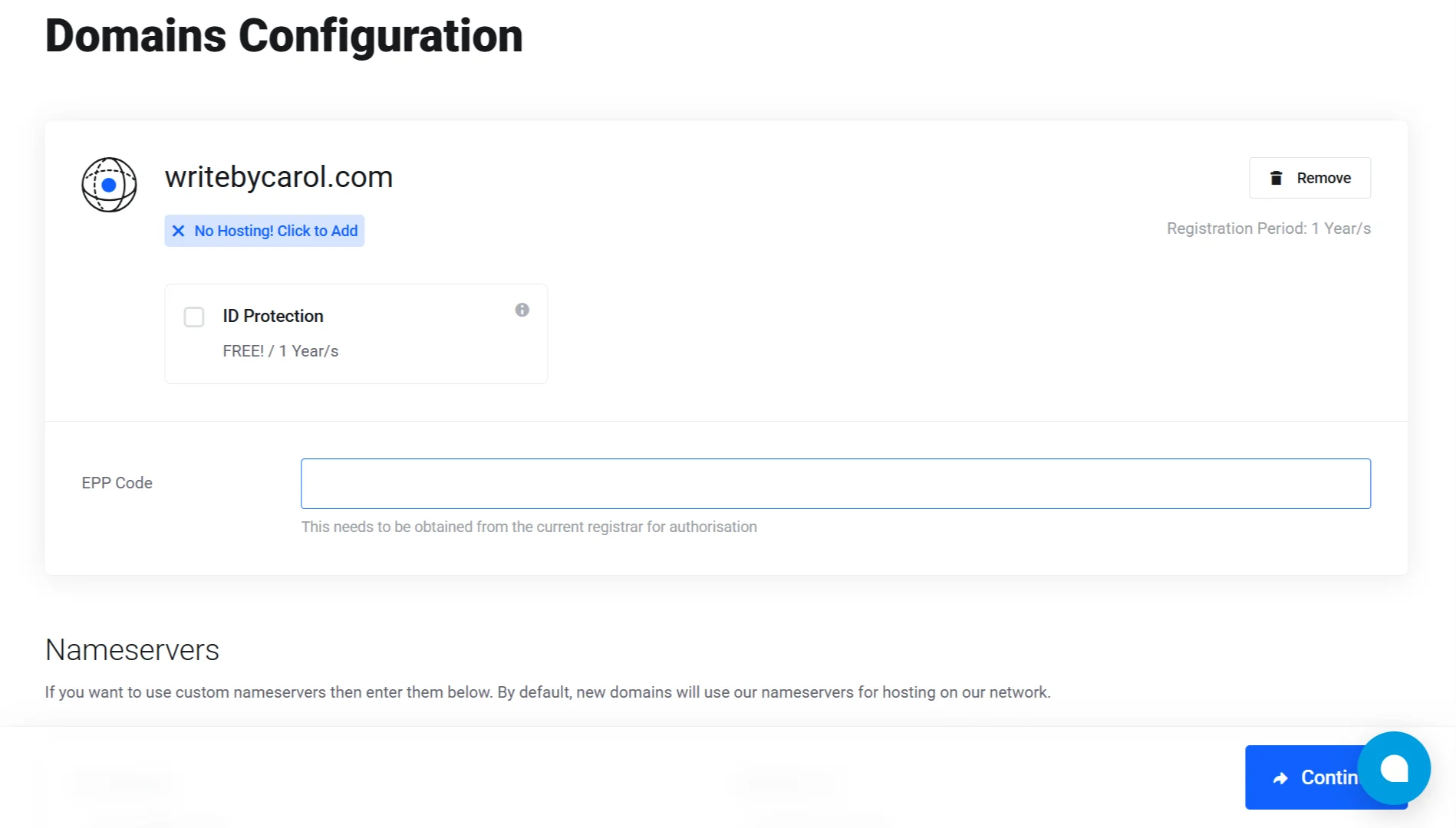
Also, you can add other addons such as ID protection. Then click continue so that you can complete the order.
Step 7: Place Your Order
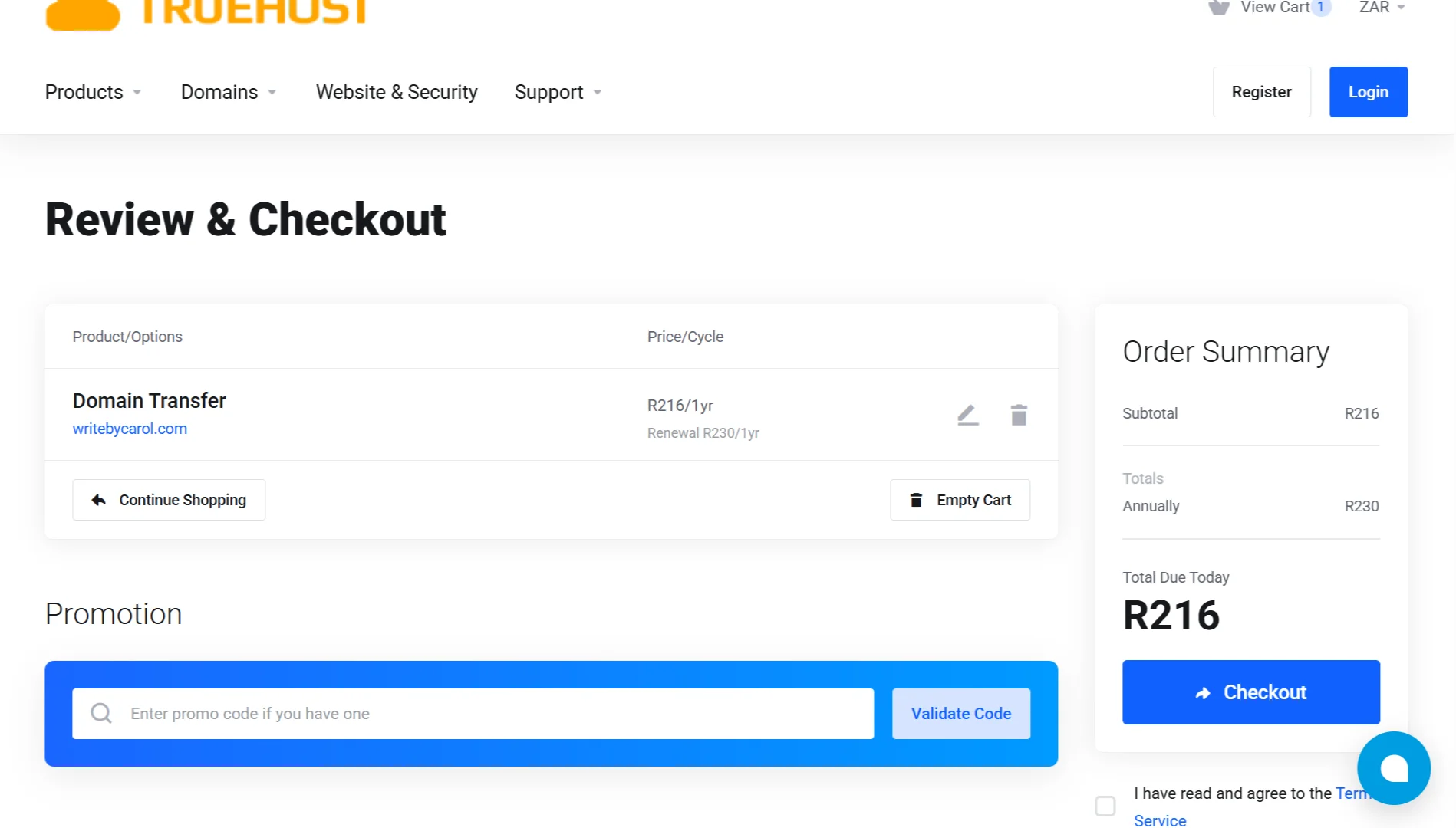
Here, you will see your billing details. You’ll also fill in:
- Personal information
- Billing address
- Some additional information
- Payment method
- Payment details
Don’t stress, these are all quick steps that will only take a sec.
Step 8: Confirm and Wait
After you initiate the transfer, check your email. You’ll receive a transfer confirmation or approval email; you must click the link in this email to authorise the transfer.
If you don’t respond within five days, the transfer will automatically fail, and you’ll have to start over.
Your current registrar might also send you a separate email asking you to confirm the transfer out – approve that one too if you receive it.
Once you’ve approved everything, the transfer process officially begins. For international domains like .com, .net, and .org, expect it to take between 5 and 7 days to complete.
Domain Transfer Issues and How to Fix Them
| Issue | How to fix |
| Transfer rejected or failed | Double-check your EPP code for extra spaces or typos; request a fresh one from Domains.co.za |
| Domain still locked | Go back to Domains.co.za and confirm the domain is unlocked; wait an hour and try again |
| No approval email received | Check your spam folder; verify your WHOIS admin email is correct; temporarily disable WHOIS privacy |
| Domain expired or expiring soon | Renew your domain at Domains.co.za first; transfers require active domains |
| Transfer taking longer than 8 days | Contact Truehost support to check the registry status; the losing registrar might be delaying the release |
| DNS settings lost after transfer | Restore your DNS records from the backup you created; update nameservers if needed |
Ready to Transfer Your Domain to a Better Home?
Bring your domain to Truehost and get local support, competitive pricing, and a hassle-free transfer experience.
- When you transfer to us, you get:
- Fast local servers for better performance
- 24/7 support from a team that actually helps
- A free year added to your registration
- Full control over your DNS and email settings
- No hidden fees or surprises
We handle .co.za, .com, .org, .net, and hundreds more extensions, all from one simple dashboard.
Thousands of South African businesses trust us with their domains. You can too.