Web Hosting
 Windows HostingBuilt for Windows apps and websites – stability, speed and flexibility
 Reseller HostingLaunch a hosting business without technical skills or expensive infrastructure
 Affiliate ProgramRefer customers and earn commissions from sales across our platform
 Domain SearchFind and secure a domain name in seconds with our quick lookup tool
 CO ZA Domains
 All DomainsExplore domain names from over 324 TLDs globally – all in one place
 Free Whois Lookup Tool South Africa
 VPS
VPS Website Builder
 Online ShopSet up a sleek eCommerce store with zero coding knowledge
 SSLs
SSLs SupportAccess help articles, how-tos, and everything about our services
 Blog
Blog Contact UsReach our team instantly via live chat or drop us an email
South Africa is home to one of Africa’s biggest forex trading communities, with thousands of traders using MT4, MT5, and other trading platforms every day.
While getting started is easier than ever, many traders still face the same challenges: load-shedding, unreliable internet connections, and the fact that most broker servers are located thousands of kilometres away in financial hubs like London, New York, or Cyprus.
A Forex VPS (Virtual Private Server) helps overcome these challenges by running your trading platform on a secure server in a professional data centre instead of your home computer. That means your MT4 or MT5 terminal, Expert Advisors (EAs), and automated strategies can keep running 24/7, even if your laptop is switched off, your internet goes down, or your area experiences a power outage.
For many South African traders, the biggest advantages are improved reliability and lower latency. Your trading platform stays online when your home setup cannot, and hosting it closer to your broker’s servers can reduce the time it takes for orders to reach the market. This is particularly useful for traders who rely on Expert Advisors, scalping strategies, or fast execution during volatile market conditions.
This article explains how to set up a Forex VPS, what you’ll need before you begin, common mistakes to avoid, and practical tips to help you get the best performance from your trading setup.
Table of Contents
What You Need Before You Start
Before setting up your Forex VPS, make sure you have the following:
- A trading account (demo or live) with a trusted broker, along with your MT4 or MT5 login details.
- Your broker’s server location. This helps you choose a VPS in the closest data centre for faster trade execution. If you’re unsure, ask your broker’s support team.
- The MT4, MT5, or other trading platform installer that you’ll install on the VPS.
- Any Expert Advisors (EAs), custom indicators, or templates you want to use. Save them somewhere you can easily access, such as cloud storage or email.
- A payment method, such as a bank card or PayPal, since most VPS providers charge in US dollars or British pounds.
- A Remote Desktop application to access your VPS. Windows includes Remote Desktop by default, while Mac, Android, and iPhone users can download Microsoft’s free Remote Desktop app.
- A reliable internet connection for the initial setup. Once everything is configured, your trading platform will continue running on the VPS even if your home internet goes down.
- Basic computer skills. You don’t need to know how to code, but you should be comfortable using a Windows desktop remotely to install and manage your trading platform.
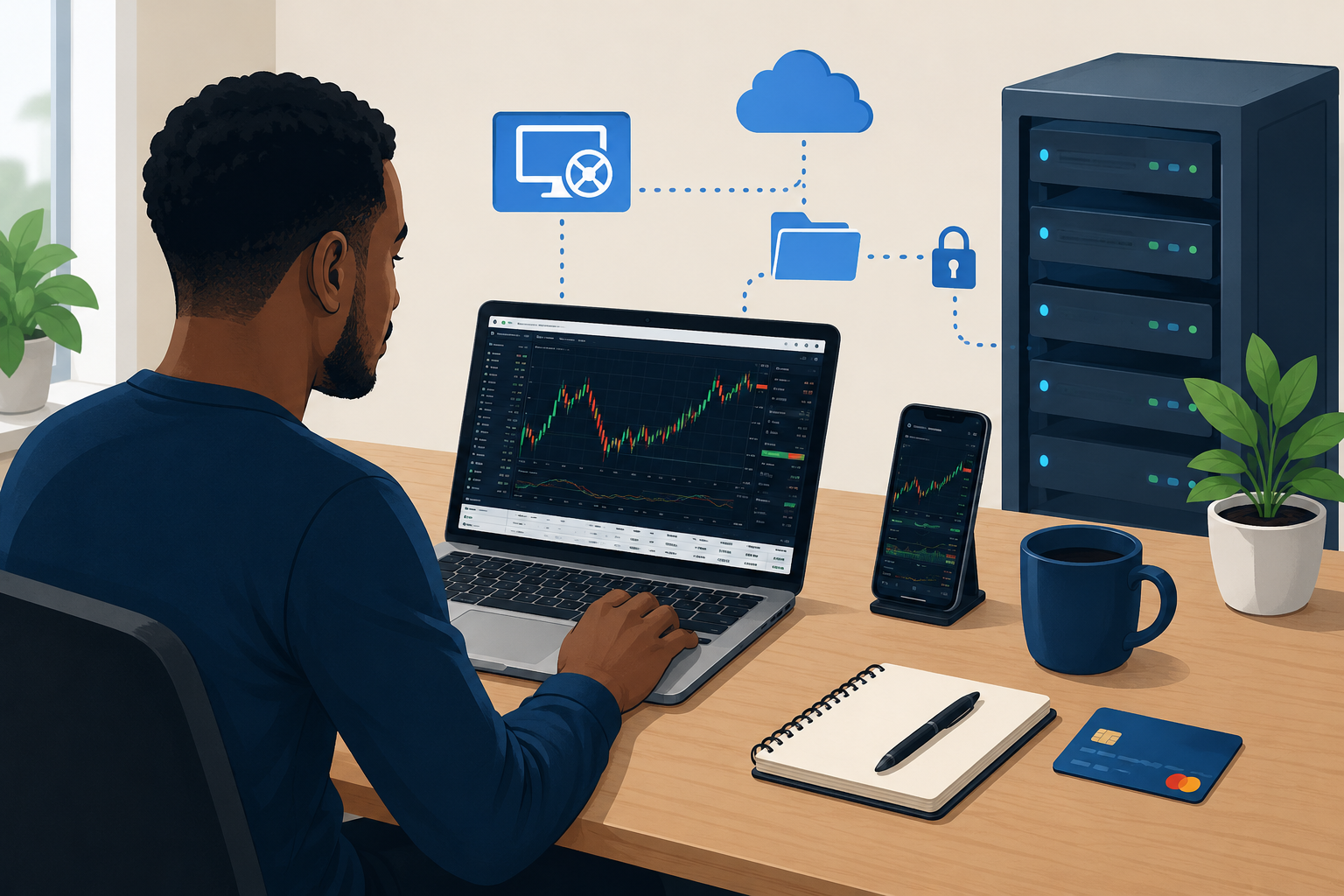
Setting Up a VPS for Forex Trading
i) Confirm your broker’s server location
Log in to your trading platform, open the server list (in MT4/MT5 this is under File → Login to Trade Account, or check your account statement), or simply raise a support ticket asking where your specific server is hosted.
This is the single most important piece of information in the whole process. Get it wrong, and you’ll pay for a VPS that adds latency instead of removing it.
ii) Choose a VPS plan and location matching that server
Most FSCA-regulated and internationally regulated brokers used by South Africans run their trade servers out of London, so a UK-based VPS (commonly Equinix LD4 or nearby) is the right default for the majority of traders.
If your broker’s server sits in New York, Cyprus, or elsewhere, pick a data centre in that region instead; providers like ForexVPS, TradingFXVPS, BeeksFX, and AccuWeb Hosting all offer multiple location choices at signup.
iii) Sign up and receive your RDP login credentials
After payment, the provider emails (or displays in a dashboard) an IP address, username, and password for Remote Desktop access. Keep these somewhere secure; this is effectively the keys to a computer that’s going to hold your live trading credentials.
iv) Connect via Remote Desktop
- Windows: Search for “Remote Desktop Connection,” enter the IP address, and log in with the credentials provided.
- Mac/iOS/Android: Install Microsoft’s free Remote Desktop app, add a new PC using the IP address, and connect.
v) Download and install your trading platform directly on the VPS
Open a browser inside the remote desktop session and download MT4, MT5, cTrader, or whichever platform your broker supports, directly onto the VPS. Don’t try to copy an installation from your laptop; a clean install avoids configuration conflicts and ensures you’re running a current build.
vi) Log in to your live or demo account inside the VPS
Enter your broker login, password, and server (the one you confirmed in step i) inside the platform running on the VPS, not on your local machine.
vii) Attach your EAs and indicators, and set auto-start
Copy your EA and indicator files into the platform’s MQL4/Experts or MQL5/Experts folder (via drag-and-drop over the RDP session or a mapped drive), attach them to the relevant charts, and enable AutoTrading.
Then configure the platform to auto-launch after any VPS reboot; most providers include a one-click “auto-start MT4/MT5” toggle in their control panel for exactly this reason, since routine maintenance restarts can otherwise leave your EAs sitting inactive.
viii) Test with a demo account first
Before connecting a funded live account, run everything on a demo account for at least a few days.
Use the platform’s built-in connection/ping tools (visible in the terminal’s status bar or Journal tab) to confirm you’re actually seeing lower latency to your broker’s server than you did from home.
ix) Set up remote access from mobile
Install the same Remote Desktop app on your phone and save the connection details, so you can check open positions, adjust stop-losses, or restart the platform from anywhere, useful during load-shedding or when you’re away from your desk.
Common Pitfalls to Avoid
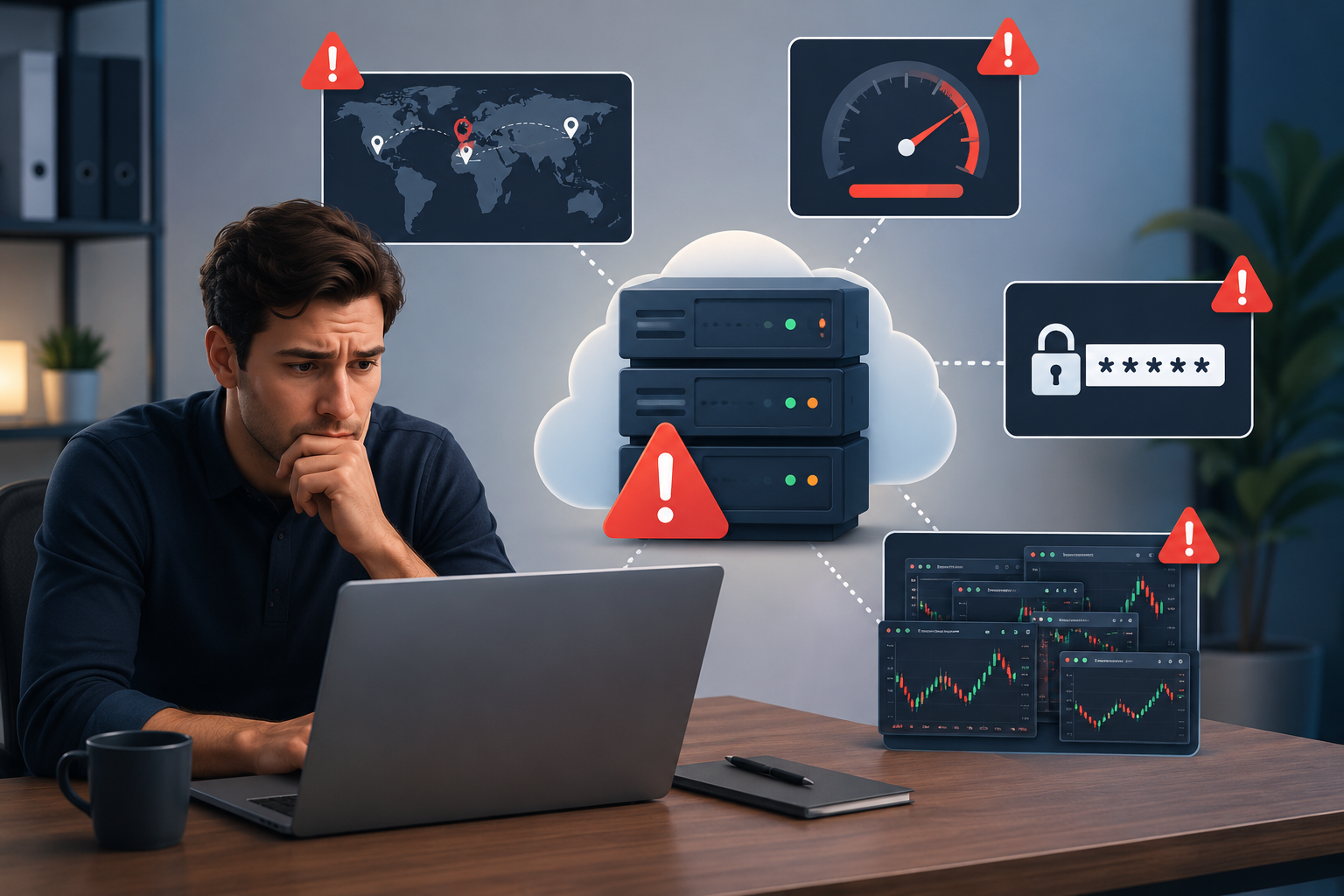
- Choosing the cheapest VPS. Ultra-budget plans (well under $10/month) often oversell shared server resources, causing your trading platform to slow down or lag during periods of high market volatility, when fast order execution is most important.
- Ignoring server location. A VPS in the wrong city can add latency rather than remove it. A “fast” VPS in New York does nothing for you if your broker’s server is in London.
- Installing too many programs. Antivirus suites, browser toolbars, and unrelated software eat into the limited RAM and CPU your plan provides. Keep the VPS dedicated to trading software only.
- Running multiple heavy EAs on low-end plans. Each additional EA, chart, and indicator adds CPU and RAM load. A 1–2GB RAM plan might handle one or two lightweight EAs; running five or six resource-hungry strategies on the same box invites missed trades and crashes.
- Forgetting Windows updates. Left unmanaged, Windows Update can trigger an unexpected restart mid-session. Schedule updates for a low-activity window (e.g., weekends when markets are closed) rather than leaving them on default settings.
- Weak passwords. VPS RDP endpoints are a known target for automated brute-force attacks. Use a long, unique password (and enable two-factor authentication if your provider supports it) rather than anything reused from another account.
- Never monitoring the VPS. Treat it like any other piece of trading infrastructure, check in periodically to confirm the platform is still connected, EAs are still running, and disk space or CPU usage hasn’t crept up.
- Assuming a VPS guarantees better trading results. A VPS improves uptime and execution speed. It does not fix a losing strategy, poor risk management, or an unregulated broker. It’s infrastructure, not an edge.
Is a Forex VPS Worth It for South African Traders?
A Forex VPS can be a worthwhile investment if you rely on automated trading, Expert Advisors (EAs), copy trading, or strategies that require your platform to stay online around the clock. It also benefits traders who want faster and more consistent order execution by hosting their platform closer to their broker’s servers.
If you only trade manually from time to time and hold positions for several days or weeks, a VPS may not be essential. However, if you’ve ever lost a trading opportunity because of load-shedding, internet outages, or your computer shutting down unexpectedly, a VPS can provide valuable peace of mind.
If you’re looking for a reliable VPS, Truehost VPS Hosting offers fast, secure, and affordable virtual servers that are ideal for running MT4, MT5, and other trading platforms 24/7. With dependable performance and scalable plans, it’s an excellent choice for South African forex traders who want a more stable trading setup.
VPS for Forex Trading in South Africa: FAQs
How Much Does a Forex VPS Cost in South Africa?
Most Forex VPS plans cost between $8 and $40 per month, depending on the resources you need. Basic plans are suitable for one or two trading accounts, while higher-tier plans are better if you run multiple Expert Advisors (EAs) or several MT4/MT5 platforms. Since most providers charge in US dollars or British pounds, the amount you pay in rand will vary with the exchange rate.
Which Platform Is Best for Forex Trading?
MT4 and MT5 are the most popular trading platforms because they are supported by most brokers and work well with Expert Advisors. MT5 includes more features and is the newer platform, while some brokers also offer cTrader and TradingView. The best choice is the platform your broker supports.
How Much RAM Do You Need?
The right amount of RAM depends on how many trading platforms and EAs you run.
8GB or more: Best for running multiple trading accounts, many EAs, or resource-intensive trading tools.
1–2GB RAM: Good for one MT4 or MT5 account with a few charts.
4GB RAM: Ideal for multiple charts and several EAs.
Can You Get a Free Forex VPS?
Yes. Some brokers offer a free VPS if you meet certain trading volume or account balance requirements. A few VPS providers also offer free trials, but long-term free VPS hosting is uncommon.
What Is the Best Forex VPS?
The best VPS is one with a data centre close to your broker’s trading servers. Look for a provider that offers reliable uptime, fast performance, enough RAM for your trading setup, and good customer support.
Can You Run Multiple MT4 or MT5 Accounts?
Yes. You can run multiple MT4 or MT5 platforms on one VPS, as long as it has enough CPU power and RAM. If you plan to trade several accounts or use multiple EAs, choosing a VPS with at least 4GB RAM is recommended.
Risk warning: Forex and CFD trading involves significant risk and may not be suitable for everyone. Always verify that your broker is properly regulated and test your trading setup on a demo account before trading with real money.