Web Hosting
 Windows HostingBuilt for Windows apps and websites – stability, speed and flexibility
 Reseller HostingLaunch a hosting business without technical skills or expensive infrastructure
 Affiliate ProgramRefer customers and earn commissions from sales across our platform
 Domain SearchFind and secure a domain name in seconds with our quick lookup tool
 CO ZA Domains
 All DomainsExplore domain names from over 324 TLDs globally – all in one place
 Free Whois Lookup Tool South Africa
 VPS
VPS Website Builder
 Online ShopSet up a sleek eCommerce store with zero coding knowledge
 SSLs
SSLs SupportAccess help articles, how-tos, and everything about our services
 Blog
Blog Contact UsReach our team instantly via live chat or drop us an email
You are walking up to a small boutique or office, and there’s a large red sign taped to the door that reads “Warning: Enter at your own risk. This building is unmonitored.” You’d turn around and walk away without a second thought.
That’s exactly what happens to a visitor on your website if you don’t have a padlock icon next to your address bar. Chrome and Safari display a blunt “Not Secure” warning to anyone who lands on an unprotected page, and most people close the tab the moment they see it. So what is an SSL certificate, and why does a small warning icon carry so much weight? This article strips away the technical jargon and explains exactly what an SSL certificate does, why it keeps hackers out, and how to get one running on your site right now.
Table of Contents
What Is an SSL Certificate ?
Forget “256-bit cryptographic handshakes” for a moment. Think of an SSL certificate as a secure mailing system for your website.
Without SSL, your site runs on plain HTTP, and sending information through it, like a customer’s contact form, an order, or an email address, is like writing it on the back of a postcard. Anyone handling that postcard along the way can read exactly what’s written on it. With SSL active, your site runs on HTTPS instead, and the certificate works like a heavy steel lockbox. The customer puts their details in the box, snaps the lock shut, and sends it off, and only your website holds the exact key needed to open it again.
That single letter change from HTTP to HTTPS is the whole story. The extra “S” simply stands for Secure, and it’s the difference between a postcard and a locked box.
HTTP vs HTTPS: Why Customers Notice the Difference
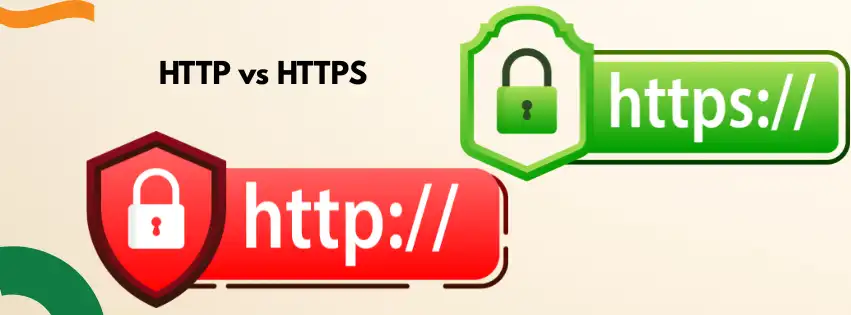
Most site visitors couldn’t explain the technical side of HTTP vs HTTPS if you asked them directly. They don’t need to, because their browser explains it for them with a padlock icon or a warning label.
When someone sees a green padlock next to your domain name, it registers instantly as a signal that the site is safe to use. When they see “Not Secure” instead, that same instinct kicks in the opposite direction, and they hesitate before typing in a phone number or an email address. For a small business trying to build trust online, that split-second reaction can be the difference between a new enquiry and a lost visitor.
3 Reasons an Ordinary Business Cannot Ignore SSL
You don’t need to run a bank or handle credit card numbers directly to need SSL protection. Three practical reasons make it essential for almost every South African business website.
Reason 1: Trust and professionalism. If your website collects basic customer enquiries or quote requests, people hesitate to type personal details into a page marked as unsafe. A visible padlock removes that hesitation before it costs you a lead.
Reason 2: Google penalties. Google openly favours secure websites in its rankings. If two local South African businesses are competing for the same search terms, the one running an active SSL certificate gets a built-in visibility advantage over the one that isn’t.
Reason 3: The gateway to online payments. If you plan to add a payment gateway down the line, whether that’s for an online shop or a booking system, no local payment processor will connect to a site without verified SSL protection in place. Skipping SSL now just means solving the same problem later, under more pressure.
Website Security Basics: What SSL Actually Protects
Getting familiar with the basics of website security helps put SSL in context alongside your other protections. SSL specifically handles the connection between your visitor’s browser and your server, encrypting anything typed into a form, login box, or checkout page along the way.
It doesn’t replace strong passwords, regular backups, or malware scanning, since those cover different parts of a secure business website. Think of SSL as the locked front door, while backups and password hygiene are the alarm system and the safe inside. You need all of them working together, but SSL is the one visitors can actually see, which makes it the most visible signal of whether your site takes their data seriously.
The Truehost Pivot: Free SSL Without the Cost Trap
A lot of small business owners assume they need to pay thousands of Rand every year to keep a website locked down properly. That fear stops plenty of good businesses from fixing their “Not Secure” warning at all.
Here’s the good news. Every Truehost South Africa hosting plan includes a free Let’s Encrypt SSL certificate as standard, with no extra charges and no manual certificate requests. We use AutoSSL through cPanel, which means your certificate installs automatically once your domain points to our servers, and it renews itself every 90 days without you lifting a finger. For most South African business websites, blogs, and online stores, this free certificate provides exactly the same 256-bit encryption strength that expensive paid certificates use.
If your business does need something more advanced, such as Wildcard SSL to cover multiple subdomains under one certificate, or an Extended Validation certificate that displays your verified company name in the browser, we offer paid premium SSL options built for that level of scale. Most small and growing South African businesses never need to go beyond the free tier, though, since it already covers the encryption strength behind everyday customer trust and Google’s ranking signals.
How to Get Free SSL on Your Website
Getting free SSL running on a Truehost-hosted site takes a few simple steps, and none of them require writing code.
- Log in to your Truehost client area and open cPanel, which is the same dashboard used by most South African hosting providers.
- Confirm your domain’s DNS is pointing to your Truehost server, since SSL can’t be issued until that’s in place.
- Scroll to the Security section in cPanel and select the Let’s Encrypt SSL option.
- Choose your domain, including the www version, and click Issue.
- Add a permanent redirect from HTTP to HTTPS so your site never falls back to the unsecured version.
If you’re on WordPress, a plugin like Really Simple SSL handles that redirect step automatically with a single toggle. The entire process usually takes under two minutes once your DNS is set up correctly, and our support team is available around the clock if anything doesn’t go smoothly.
The 20-Second Padlock Check
An SSL certificate isn’t an advanced technical upgrade reserved for big companies. It’s the bare minimum required to run a website customers actually trust.
Take 20 seconds right now and look at your website’s address bar on your phone. If the padlock is missing, greyed out, or replaced with a “Not Secure” label, that’s costing you visitors every single day it stays that way.
What Happens If You Skip SSL Altogether
Some business owners decide the warning label isn’t a big deal and choose to leave their site as it is. It’s worth knowing exactly what that decision costs before making it.
Every major browser, including Chrome, Safari, and Edge, now flags HTTP-only sites with a visible “Not Secure” warning right in the address bar. Visitors see that label before they read a single word of your homepage, and a large share of them leave immediately rather than risk typing in their details.
On top of the lost trust, an unsecured site is also more exposed to attacks like data interception, where hackers position themselves between your visitor and your server to capture whatever passes between the two. That’s precisely the vulnerability an SSL certificate closes, and it’s why asking what is an SSL certificate is really the first step toward asking whether your business is protecting its customers at all.
Search engines respond to this risk too. Google has been explicit that HTTPS acts as a ranking signal, and sites still running on plain HTTP are effectively competing with one hand behind their back. For a small business already fighting for visibility against bigger competitors, giving up that advantage voluntarily makes an already difficult job harder.
SSL and E-Commerce: A Non-Negotiable Pairing
If you’re planning to sell products directly from your website, SSL moves from “recommended” to “required” almost overnight. Payment processors and card networks won’t authorise transactions on a site without verified encryption in place, since the risk of exposing card details is too high to ignore.
This is where understanding what an SSL certificate does becomes directly tied to revenue rather than just reputation. A checkout page without SSL will either be blocked outright by your payment gateway or, worse, approved in a way that leaves customer card data exposed. Setting up SSL before you add payment functionality saves you from having to backtrack later, once orders are already coming in and customers are already trusting you with their money.
Frequently Asked Questions
What is an SSL certificate, in one sentence?
An SSL certificate is a small digital file that encrypts the connection between your website and your visitors, so any information they type in stays private.
Is a free SSL certificate as safe as a paid one?
For most business websites, yes. A free Let’s Encrypt certificate provides the same 256-bit encryption strength as a paid certificate, and paid options mainly add extra features like extended business verification rather than stronger encryption.
How do I know if my site already has SSL?
Look at your browser’s address bar. A closed padlock icon and a URL starting with https:// mean SSL is active, while a “Not Secure” label or an open padlock means it isn’t.
Does SSL actually affect my Google ranking?
Yes. Google has confirmed that HTTPS is a ranking signal, and between two similar websites, the one running SSL typically has an edge in search results.
Do I need to renew my SSL certificate manually?
Not with Truehost. Our free Let’s Encrypt certificates renew automatically every 90 days, so there’s no expiry date to track or renewal fee to remember.
Will installing SSL slow down my website?
No. Modern SSL implementations, including the Let’s Encrypt certificates we issue, add negligible load time and are optimised to work seamlessly with fast hosting infrastructure.
Can I move my site to Truehost just to get free SSL?
Yes, and many South African business owners do exactly that. Free SSL comes standard with every Truehost hosting plan, and our team handles the migration and certificate setup so your site experiences no downtime during the switch.
Secure Your Site Today
You don’t need a technical background or a big budget to fix that “Not Secure” warning. With free SSL included on every Truehost South Africa hosting plan, the padlock your customers look for is already part of the package.
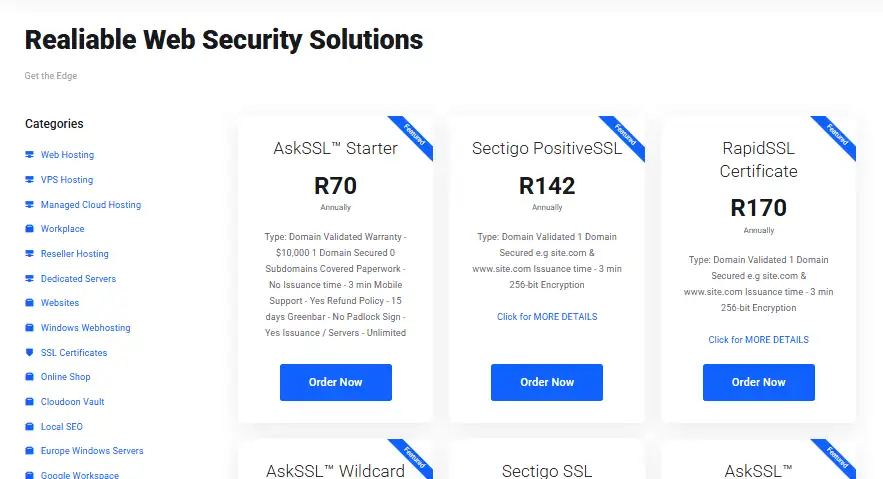
Head over to our SSL certificate catalogue, check your current setup, and get your domain secured today.