Web Hosting
 Windows HostingBuilt for Windows apps and websites – stability, speed and flexibility
 Reseller HostingLaunch a hosting business without technical skills or expensive infrastructure
 Affiliate ProgramRefer customers and earn commissions from sales across our platform
 Domain SearchFind and secure a domain name in seconds with our quick lookup tool
 CO ZA Domains
 All DomainsExplore domain names from over 324 TLDs globally – all in one place
 Free Whois Lookup Tool South Africa
 VPS
VPS Website Builder
 Online ShopSet up a sleek eCommerce store with zero coding knowledge
 SSLs
SSLs SupportAccess help articles, how-tos, and everything about our services
 Blog
Blog Contact UsReach our team instantly via live chat or drop us an email
Today, learn how to pay Truehost South Africa.
Making payments directly to the client area is a simplified method to ensure you get services within the shortest period.
To pay Truehost South Africa use any of the methods below.
Table of Contents
(i) How to pay Truehost South Africa with bank /EFT payment
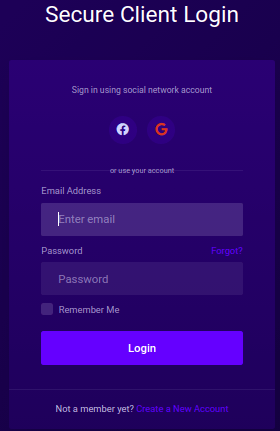
Login to client area via link https://truehost.co.za/cloud/register.php


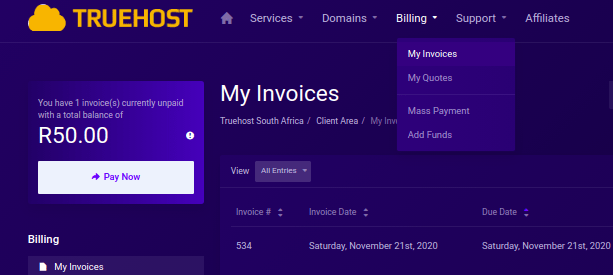
Click under billing, and select my invoices
Click on the invoice you wish to pay
Select the payment method as Visa & Mastercard & Banks
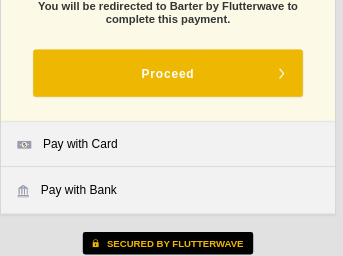
You will be redirected to a secure payment page as below
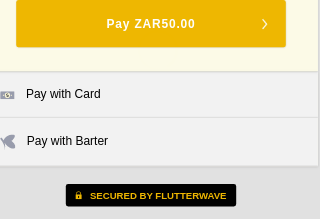
Click pay with Barter
Select Pay with the bank and click proceed to make payment
A list of banks will be displayed as below
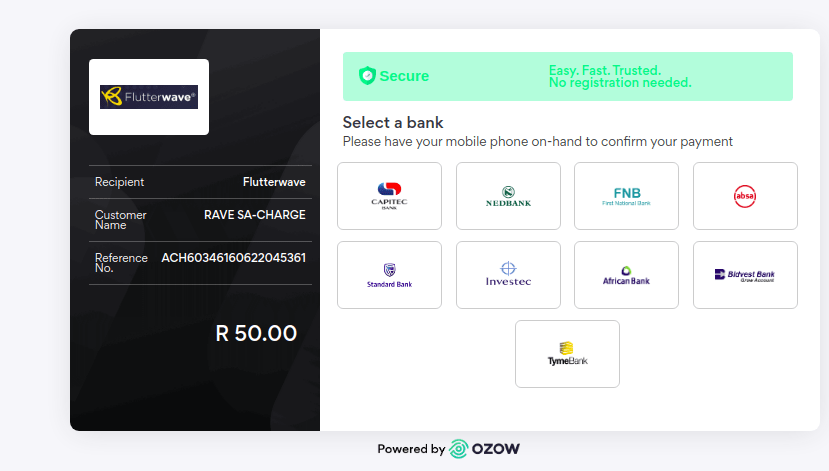
Click on your bank and fill in the required login details
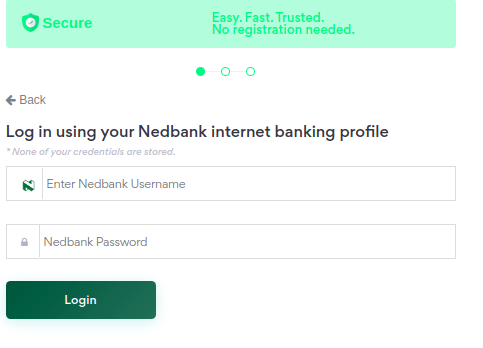
Then click login to complete the payment.
A successful payment notification with appear once payment is complete
(ii) How to pay via bank card
-Login to client area via link https://truehost.co.za/cloud/register.php
-Click billing then select my invoices
-Select the invoice you wish to pay
-Click on the invoice number you wish to pay

-Select payment method as Visa & Mastercard & Banks
– click pay with Card
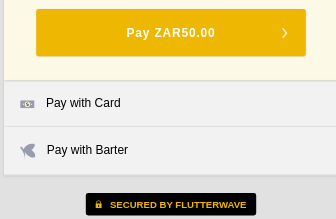
You will be redirected to fill in your bank card details
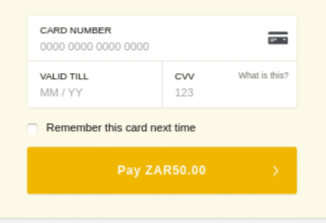
Fill in your card number as displayed on your bank card
Validity Till – refers to the Month and Year your card expires
CVV- refers to the 3 unique numbers that appear at the back of your bank card
-Click the Pay button to complete the payment process.
A notification will appear to inform your payment was successful.
iii) How to pay Truehost South Africa via PayPal
-Login to client area via link https://truehost.co.za/cloud/register.php
-Click billing then select my invoices
-Click on the invoice number you wish to pay
-Select payment method as Paypal
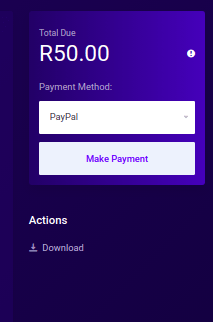
Click the make payment button
You will be redirected to Paypal login page
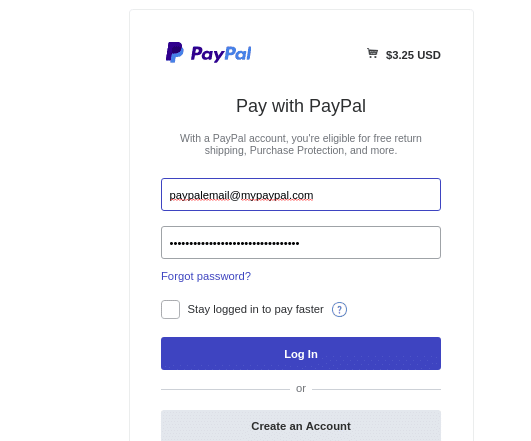
Fill in your PayPal login details
Click log in to allow you to complete payment
On successful payment, payment notifications will be displayed.